Virtual try-on for glasses: how it works
Customers try on frames with their phone camera, in the browser, with no app to download. See what Previaly does and what your optical store gains.
Key takeaways
- Customers open the store's link on their phone, allow the camera and see the frame on their face in real time.
- No app to download and no account to create.
- When they like a frame, they message the store on WhatsApp; the contact belongs to the store.
- Trying on uses no credits; a credit prepares a frame for the try-on.
What a virtual try-on for glasses is
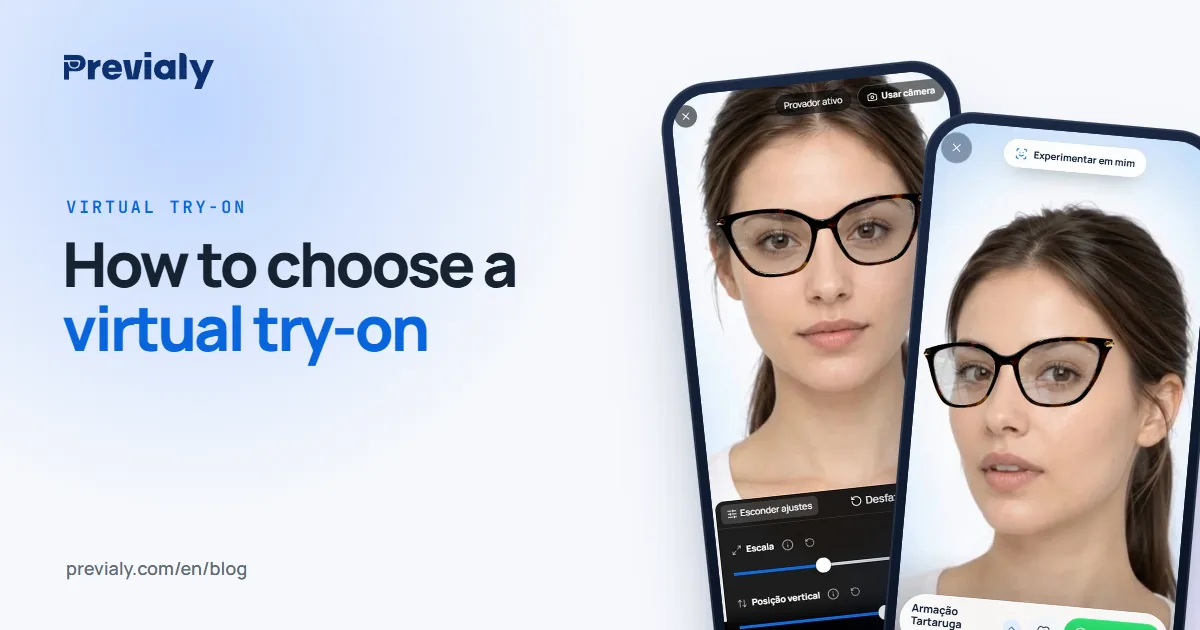
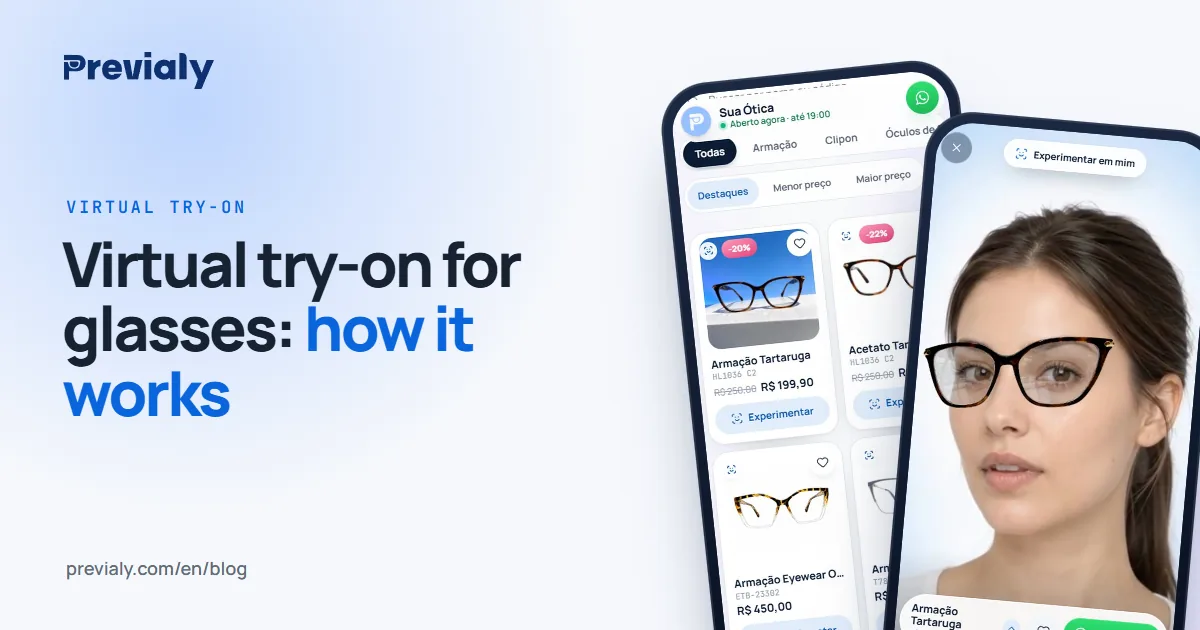
A virtual try-on for glasses lets customers see a frame on their own face without being at the counter. On Previaly it happens in real time: the person opens the storefront link on their phone, picks a frame, allows the camera and the frame appears on their face. It follows their movement while they try it on.
It's not an app to download. It's not a filter that disappears once the photo is taken. It's your store's storefront, in the browser, with the catalog you added.
How customers use it
The path is short on purpose. People who get the link on WhatsApp or in an Instagram bio won't install anything just to "take a look".
- They open your store's address on their phone — something like previaly.com/your-store.
- They pick a frame from the catalog, with the photo, name and price you set.
- They allow the camera when the browser asks.
- They see the frame on their own face, live. Want another one? They switch and keep going.
- If they like it, they message your store on the WhatsApp number you added. The conversation is yours.
A camera and permission are required. Without them the try-on doesn't open — it's the browser that asks, not an app of ours.
What the optical store gains
Once customers have seen themselves in the frame, the conversation at the counter changes. They arrive with a model in mind. You help check measurements, adjust the fit and take care of what really matters in the purchase.
The storefront belongs to your store: colors, brand, order of the frames. The contact goes to your WhatsApp, not to the platform's. Previaly doesn't sell glasses in anyone's place.
Monthly plans start at R$ 97 (Brazilian reais). Plan credits are used to process and generate frame photos. Trying on with the phone, in real time, uses no credits.
How to add the frames
In the dashboard you add each frame with its front photo, name and product details. There are tools to process the image and prepare what the try-on uses. Then you check the result and publish it to the storefront.
Three steps, roughly:
- Upload the front photo and complete the form.
- Make the storefront look like your store — colors, branding, layout.
- Share the link: WhatsApp, Instagram, at the counter.
People who like a frame message you. People still deciding keep browsing the frames at their own pace.
What the try-on doesn't replace
The try-on helps customers see the style on their face. Checking the size, the measurements and the final fit remains the job of the store's team. Saying otherwise would be selling something the product doesn't do.
It's also not a social media filter. Customers don't create an account. The store is the one with the dashboard.
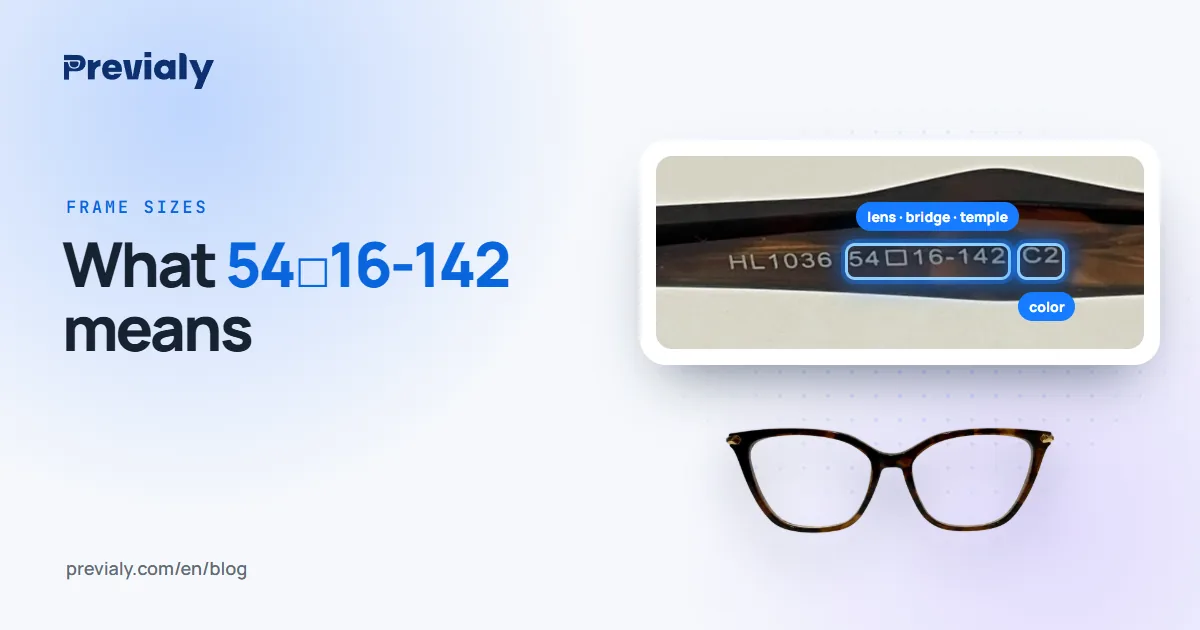
For the step-by-step, see how to add frames to the virtual try-on. To understand the numbers on the temple, read what 54□16-142 means.
Is it worth it for your store?
If your store already sends frame photos on WhatsApp and keeps hearing "will it look good on me?", the try-on answers that on the spot — on the face of whoever is asking, without a trip to the store.
If you'd like to see it in action, open the live demo storefront on your phone.
Frequently asked questions
Does the virtual try-on work on any phone?
It works in the browser of any phone with a camera. People open the link, allow the camera and try on, with no app to install.
Does the frame show up at its real size?
At approximately its real size, calculated from the frame measurements (lens width and bridge) added by the store. The final check is still done by the store's team.
Is the customer's image saved?
No. The camera is only used to show the frame on the face, on the device itself.
The Previaly team
We build the virtual try-on, the online storefront and the AI Studio that optical stores use to sell from the customer's phone. These guides come from what we see every day in the product and in our work with stores.