Best virtual try-on for optical stores: how to choose
The criteria that matter when choosing a virtual try-on for glasses: real time, clear pricing, your own storefront, WhatsApp contact and support.
Key takeaways
- The try-on should be real time and open in the browser, with no app.
- Clear, published pricing, with no per-try-on charges or commission.
- Your own storefront and direct contact on the store's WhatsApp.
- Fast frame setup and help with photos and marketing make the tool pay for itself.
What to look for in a virtual try-on for glasses
"What's the best virtual try-on for glasses?" depends less on the technology itself and more on what your store needs day to day. A neighborhood optical store that sells on WhatsApp has different needs from a chain with a large online shop. Even so, a few criteria separate a useful tool from one that's forgotten after the first week.
This list works for comparing any option, Previaly included.
1. Is it real time, or a photo?
There are two kinds of "virtual try-on":
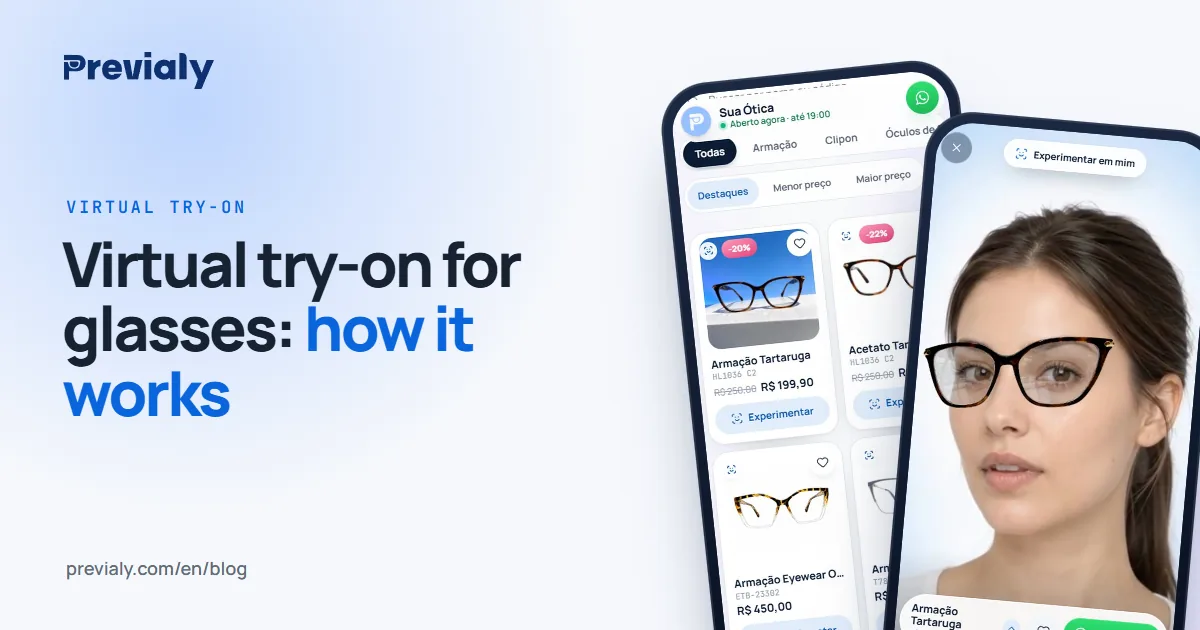
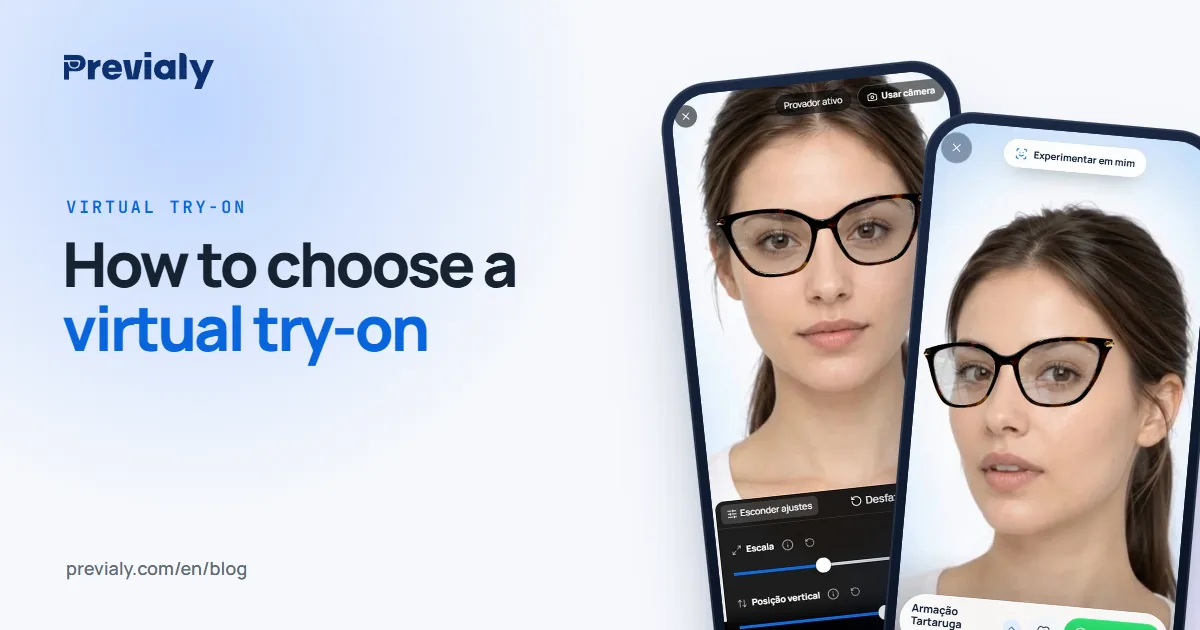
- Real time (live): customers open the camera and the frame follows their face as they move. They can turn their head, lean in and switch frames with one tap.
- Static photo: customers upload or take a photo and get back an edited image. It's slower and the feeling of "trying on" gets lost.
For selling glasses, live makes the difference: the customer's doubt is usually "how does it look from the side?" or "is it too big for my face?", and only movement answers that.
2. Does it need an app?
People who get a link on WhatsApp or see a post on Instagram won't install an app just to "take a look". The try-on needs to open straight in the phone's browser. If it asks customers to download something, register or log in, most of them give up before trying the first frame.
3. Is the pricing clear?
Before any demo, ask:
- What's the monthly price, and in which currency?
- Is there a setup or onboarding fee?
- Does it charge per try-on, per visit or per sale?
- Is there a minimum term or a cancellation fee?
- What changes between plans?
Pricing published on the website, with no per-try-on charges and no commission on sales, is what makes the cost predictable. If you'll pay in a foreign currency, factor in the exchange rate and card fees.
4. Does it come with a storefront, or only work if you have a website?
Many optical stores don't have an online shop — they sell at the counter, on WhatsApp and on Instagram. For them, a try-on that only works "plugged into" an e-commerce site doesn't solve anything.
Ideally you get both: your own online storefront (a catalog with the store's branding, at a simple link) and, if you already have a website, a snippet to add the try-on to your online shop.
5. Does contact go to the store's WhatsApp?
In many markets, a glasses sale ends in a conversation. Check whether the try-on's button takes customers to your store's WhatsApp, with the frame and price already in the message, with no middleman and no commission.
6. How much work is it to add frames?
The hidden cost of a try-on is your team's time. Ask:
- Is one front photo per frame, taken with a phone, enough?
- Does the platform process the photo on its own (cutout, background, size)?
- Can you import your catalog from a spreadsheet?
7. Does it help you sell after the try-on?
Trying on is the beginning. Tools that help the store bring people to the storefront — catalog photos, ready-made posts and stories, QR codes on the display, a most-tried frames report — are what get the try-on actually used.
8. Does support speak your language?
When questions come up, it matters to have support by chat, with people who understand optical retail.
Where Previaly fits
Previaly was built in Brazil for optical stores, and it answers each criterion above like this:
- Type of try-on — Previaly: Real time, with the phone camera
- App — Previaly: Not needed; opens in the browser
- Pricing — Previaly: From R$ 97/month (Brazilian reais), published on the website
- Per-try-on charges or commission — Previaly: No. Unlimited try-ons, no commission
- Minimum term — Previaly: None; monthly plans
- Own storefront — Previaly: Yes, at previaly.com/your-store
- Try-on on your website — Previaly: Yes: Shopify, WooCommerce and other platforms
- WhatsApp — Previaly: "I want this" button straight to the store's WhatsApp
- Adding frames — Previaly: One front photo per frame; spreadsheet import
- Marketing — Previaly: AI Studio for photos and a Marketing Studio with posts, stories and prints
- Support — Previaly: On WhatsApp
Plans and what each one includes are on the pricing page. To see it working first, open the live demo storefront on your phone and try on a frame.
Summary
The best virtual try-on for your store is the one customers use effortlessly and your team can keep up to date. Real time, no app, clear pricing, your own storefront and WhatsApp contact are the minimum. The rest — a photo studio, ready-made marketing, reports — is what makes the tool pay for itself.
Frequently asked questions
What's the best virtual try-on for optical stores?
The one customers use effortlessly (real time, in the browser, no app) and that the store can keep up to date, with clear pricing and direct contact on the store's WhatsApp.
Does a virtual try-on for glasses need an app?
It shouldn't. With Previaly, customers try on in their phone's browser, from the storefront link.
Can I put the try-on on my store's website?
Yes. Previaly has a snippet for Shopify, WooCommerce and other platforms that adds a "Try it on" button next to "Buy".
The Previaly team
We build the virtual try-on, the online storefront and the AI Studio that optical stores use to sell from the customer's phone. These guides come from what we see every day in the product and in our work with stores.