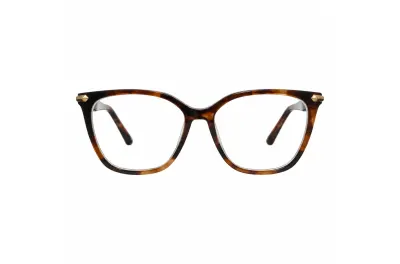
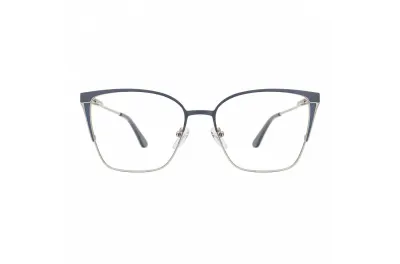
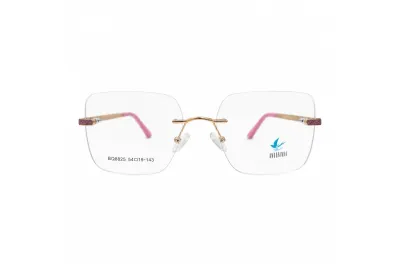
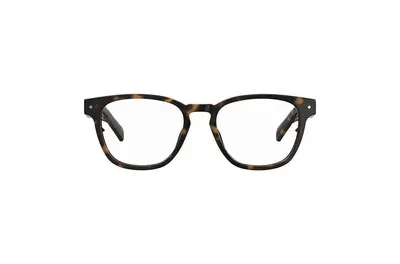
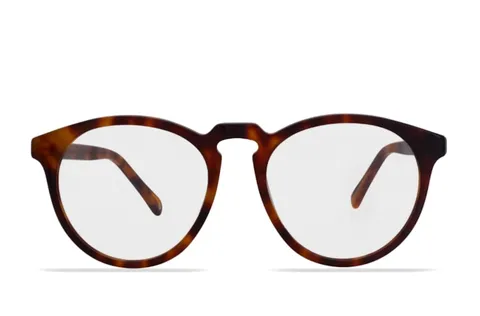
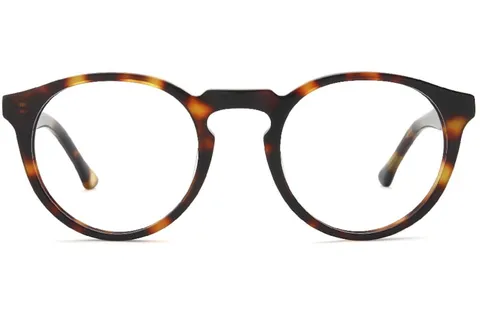
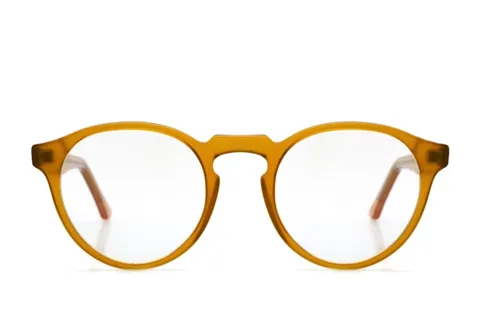
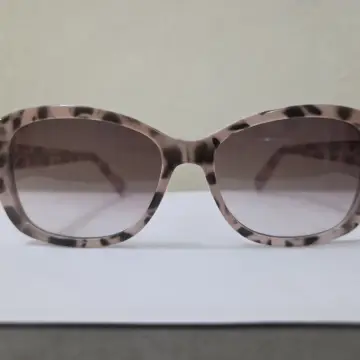
Swipe to switch · tap the name for details · 1 of 5
Model or cameracustomer's choiceNo appopens in the browserLive try-ontrue to sizeFrame and pricefrom your catalogOn your WhatsAppyou own the chatSwitch frameswith a swipe
The problem
Your customer wants to see the glasses on their face. But they're at home, on their phone.
And in the middle of a busy day at the store, thoughts like these come up…
“I send photos of ten frames on WhatsApp and the customer disappears.”
“I post on Instagram, people like it… but nobody comes in to try them on.”
“They say they'll think about it. Then they buy online.”
“My store closes at 6 p.m. My customers only have time at night.”
CCamilalast seen 3 days agoHi! Do you have the glasses from your post in other colors?Yes, we do! Which one do you like best? 😊They're lovely! But I can't picture them on my face 😕Let me think about it and get back to you!3 days laterHi, Camila! Have you decided?
It's not a lack of beautiful frames or good service. Glasses are chosen on the face, and your customer's face is on the other side of the screen.Now, picture this…
What if they could try on your frames right now, from the couch?
On their phone, live, with your store's branding. Nothing to download. And when they find the one, they message you on WhatsApp already knowing what they want.
How many of those chats would have turned into sales?
Here's how it works
How it works
Less work than you think. One photo per frame and your storefront is live.
You take the photo and Previaly does the rest: it cuts out the frame, gets the size right on the face and publishes it to your storefront. No technician, no photographer.
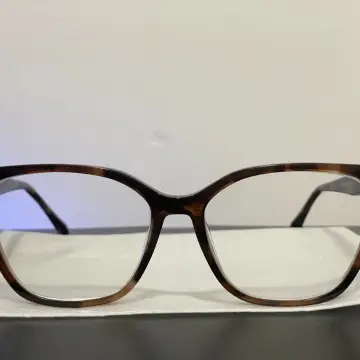
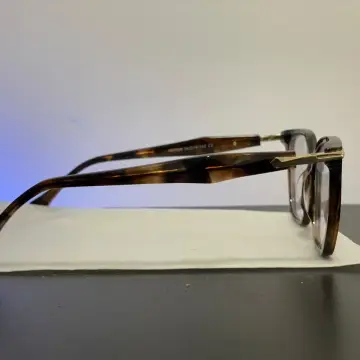
01Add the frameTake a front photo at the counter. The AI removes the background and the temples, and the size on the face comes from the measurements printed on the temple.
02Share your storefrontCopy your page link or print the QR code. Put it in your Instagram bio, on WhatsApp and at the counter.
03Customers try on liveThey open the camera, swipe through frames and can even estimate their PD and fitting height. No app, no sign-up.
04They message you on WhatsAppThe message already includes the frame, the price and the link. And in Leads you see who tried on, measured or saved each frame.
AI Studio
Counter photo in. Catalog photo out.
Snap the frame on a table with your phone. The AI Studio gives it back with a clean background, studio lighting and even on a model's face.
Before · phone photo
After · ready to sellGenerating…Generating…Generating…
All included
Everything that comes with it. On every plan.
Storefront, photo studio, marketing, QR codes, reports and the try-on on your own website. All in one dashboard, nothing to install.
Live try-onUnlimited try-ons with the phone camera, true to size, in the browser.
Your online storefrontYour catalog with your logo, colors, prices, hours, address and WhatsApp.
Messages on your WhatsAppThe “I want this” button opens a chat with you, with the frame, price and link. No commission.
AI StudioTurns phone photos into catalog photos: clean background, scenes, angles and on-model shots.
Marketing StudioReady-made story videos, feed posts and in-store prints with your branding.
Try-on on your websiteA “Try it on” button next to “Buy” on Shopify, WooCommerce and other platforms.
QR code per framePrint it for the display: customers scan it at the store and try the frame on their phone.
Most-tried report and leadsSee which frames get tried on the most and who saved, measured or messaged you.
Already have an online store? The try-on works there too.
Pricing
What does all this cost? Less than one sale a month.
1 credit prepares one frame for the try-on. AI Studio photos use separate credits, and the cost is always shown first. Prices in Brazilian reais (BRL). Online sign-up and billing are currently available to businesses in Brazil — anywhere else, message us on WhatsApp.
Live. Customers open the camera and the frame follows their face in real time, at the right size. No sending photos and waiting. The AI works behind the scenes: it prepares the frame image and creates the catalog photos.
Do customers need to download an app?
No. It opens right in the browser on a phone, tablet or computer. They just allow the camera and try on as many frames as they like.
Do I need a website?
No. Your store gets a storefront at previaly.com/your-store, with your branding, colors, catalog, prices, hours, address and WhatsApp. Already have an online store? The try-on can go there too with a snippet of code, in under 5 minutes.
Does it work as an online catalog for my store?
Yes. The storefront is your online catalog: photos, prices and categories in one link to share on WhatsApp, in your Instagram bio or as a printed QR code. And every frame in the catalog has the try-on built in.
What are the credits for?
Preparing one frame for the try-on costs 1 credit. AI Studio photos also use credits, and the cost is always shown first. Trying on is unlimited and costs nothing.
What about PD and fitting height?
With lens width and bridge filled in, customers get an estimate of their PD and fitting height through the camera. You choose whether to turn it on. Final measurements are always checked by your team.
How much does a virtual try-on for glasses cost?
On Previaly, from R$ 97 a month (Brazilian reais), with unlimited try-ons, no setup fee and no commission on sales. On yearly plans, 2 months are free. Plans differ in the number of frames, AI credits and logins.
Is there a contract?
No. Monthly plans have no minimum term: you stay as long as it makes sense for your store.
Where is Previaly from?
Previaly is built in Brazil, for optical stores. Your storefront and try-on can be in English, Spanish or Portuguese, with prices in your currency, and work in any browser; the store dashboard is in Portuguese for now. Questions? Message us on WhatsApp.
Right now, someone is choosing glasses on their phone. Make it your storefront.
Set up your storefront, upload the photos and share the link. The try-on keeps selling while you sleep.