Can you take photos while trying on glasses in store?
Usually yes, just ask. How to take photos that actually help you choose a frame, and what an optical store gains by letting customers take the frame home.
Key takeaways
- Most optical stores let you take photos while trying frames: just ask the staff.
- Same light, same distance, front and side: that way the photos can be compared.
- A photo helps you get opinions, but fit can only be checked with the glasses in hand.
- For the store, a customer who leaves with the frame on their phone comes back more decided.
Do optical stores let you take photos while trying frames?
Most do. Taking a photo with a frame on is a common request: many people want to see how it looks from a distance, or send it to someone for a second opinion. There is no single rule, so the right move is to ask the staff before you start.
This guide shows how to take photos that really help you choose and, at the end, what the store gains by making it easy.
Why a photo helps you choose
In the store mirror you see yourself up close and only for a moment. A photo solves three things:
- Seeing from a distance. That is how other people see you every day.
- Comparing side by side. With two or three photos on screen, the difference between frames shows right away.
- Asking for an opinion. You can send them to someone you trust and decide without rushing.
How to take photos you can compare
A good photo for choosing glasses doesn't need a fancy camera. It needs to be the same from one frame to the next:
- Same light. Stand in the same spot every time, facing the light. Light from behind darkens your face and hides the frame color.
- Same distance. Ask someone to take the photo at arm's length, at eye level. A selfie taken too close makes your face and the frame look bigger than they are.
- Front and side. The front shows the shape; the side shows the temple and whether the frame goes past the line of your face.
- Neutral face. Smile in one and stay serious in another: glasses change with your expression.
- Write down the model. Take a photo of the tag or the numbers on the temple right after. Without it, at home you won't know which was which.
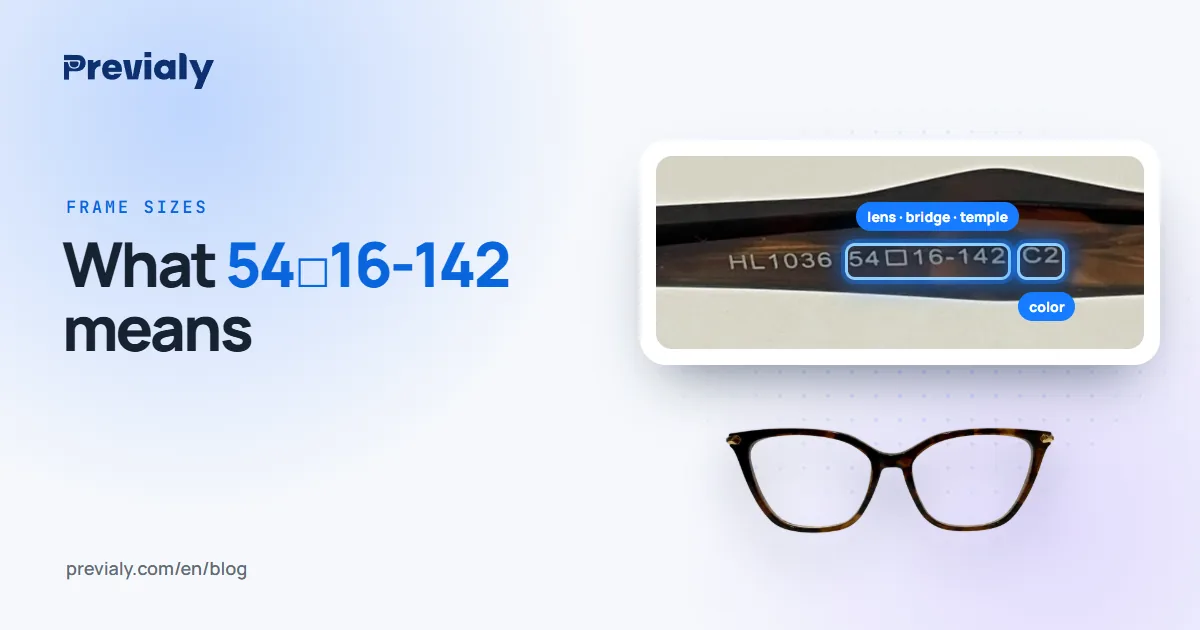
The numbers on the temple, like 52□18-140, give the lens width, the bridge and the temple length. What each one means is in glasses frame size numbers explained.
What a photo doesn't show
A photo shows the style. It doesn't show whether the frame pinches behind the ear, slides down your nose or feels heavy after an hour. That fit can only be checked with the glasses on, in the store.
If you wear prescription glasses, the lenses depend on your prescription and on measurements taken by the store's staff. The photo picks the frame; the rest is sorted out at the counter.
What if the store has a virtual try-on?
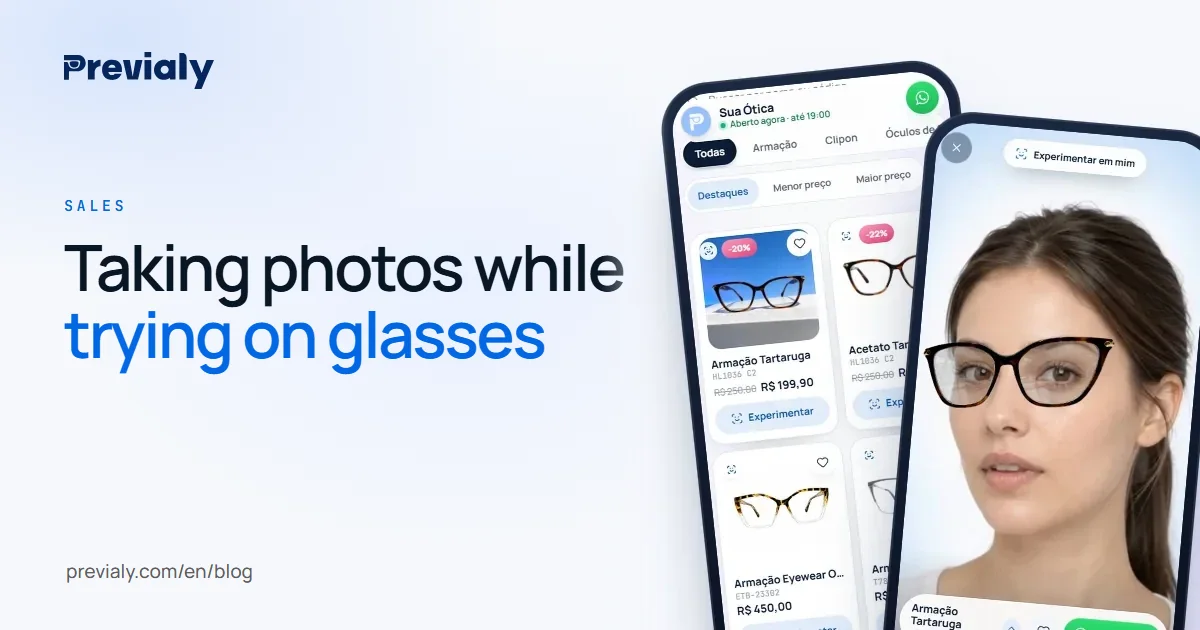
Some optical stores have a catalog with a virtual try-on: you open the link on your phone, allow the camera and the frame appears on your face, following your movement. Then you can keep trying at home, calmly, and show it to anyone you like.
It's worth asking for the link at the counter. The same light and distance tips apply to the camera try-on. The step by step is in how to try on glasses online before you buy.
For optical store owners
A customer who asks to take a photo is almost decided: they just want a second opinion. Letting them take it, and even helping, is good service.
The risk is that they leave with the photo and forget the store's name. So hand over the way back too: the catalog link, with the frames, the prices and a button to contact the store. With Previaly, that link has the try-on built in: at home, the customer tries the frames they saw in the store again, and the "I want this" button opens a chat on your WhatsApp with the frame and the price already in the message.
A QR code at the counter makes that a single tap. How to set up the catalog is in online catalog for optical stores.
Frequently asked questions
Can I take photos while trying on frames at an optical store?
At most stores, yes. Ask the staff before you start: some stores prefer to help take the photo or are careful with display models.
How do I take a good photo while trying on glasses?
Face the light, ask someone to take the photo at arm's length and at eye level, and take one from the front and one from the side. Repeat the same way for each frame so you can compare.
Is a selfie good enough to choose glasses?
It works, but very close up the camera enlarges your face and the frame. Stretch your arm out or ask someone else to take the photo.
Does a photo show if the frame is the right size?
It helps you see the shape, but not the fit. Size is checked with the numbers on the temple and, on your face, with the glasses in hand.
Can I try on again at home the frames I saw in the store?
If the store has a catalog with a virtual try-on, yes: ask for the link, open it on your phone and try them on with the camera.
The Previaly team
We build the virtual try-on, the online storefront and the AI Studio that optical stores use to sell from the customer's phone. These guides come from what we see every day in the product and in our work with stores.