How to try on glasses online before you buy
How to try on glasses with your phone camera before you buy: what to set up, how to check the size from the temple numbers and what only the store can do.
Key takeaways
- You can see a frame on your own face with your phone camera, in the browser, with no app to download.
- Light from the front and your whole face on screen make the try-on more faithful.
- Check the size from the numbers on the temple, comparing with glasses you already wear.
- Comfort, fitting and prescription lenses stay with the store.
Can you try on glasses online?
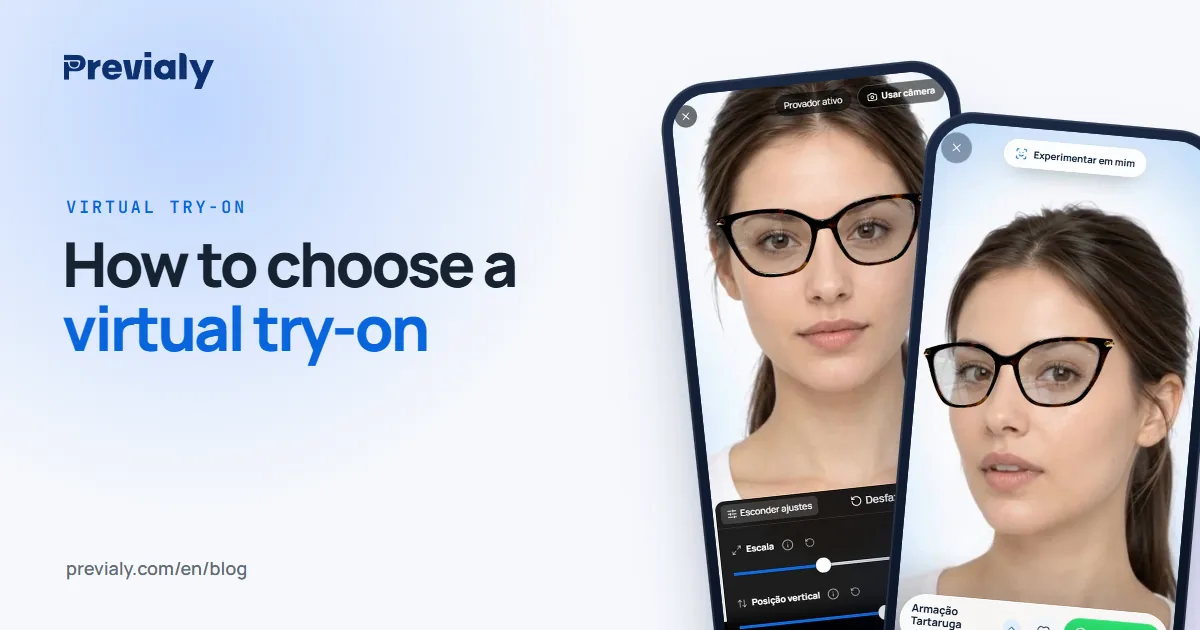
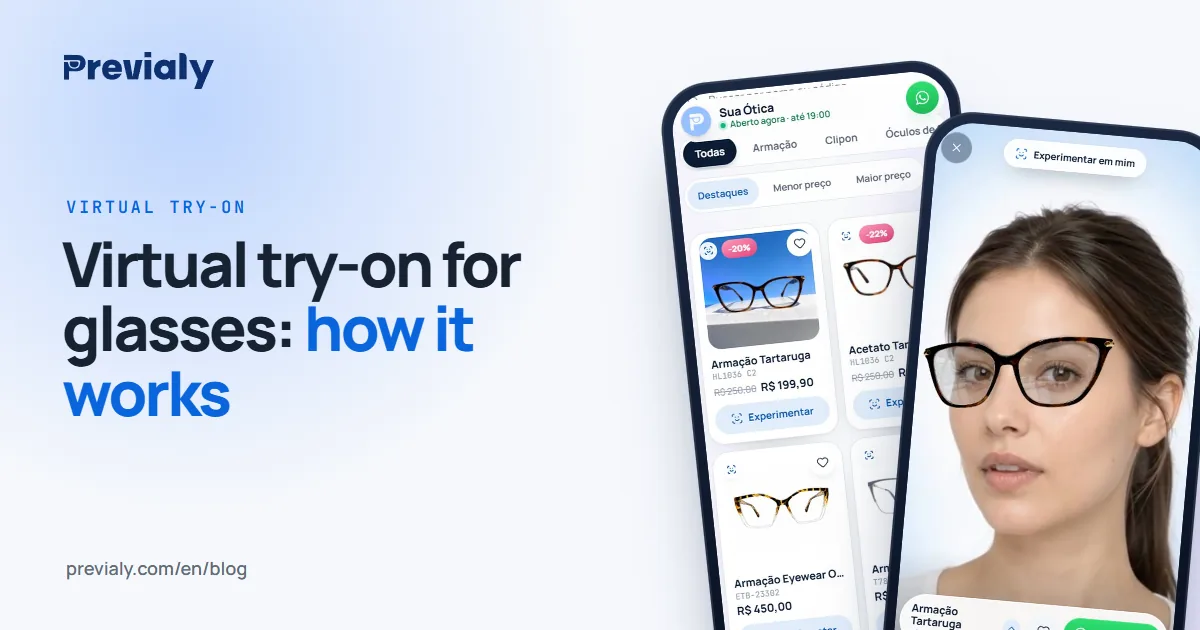
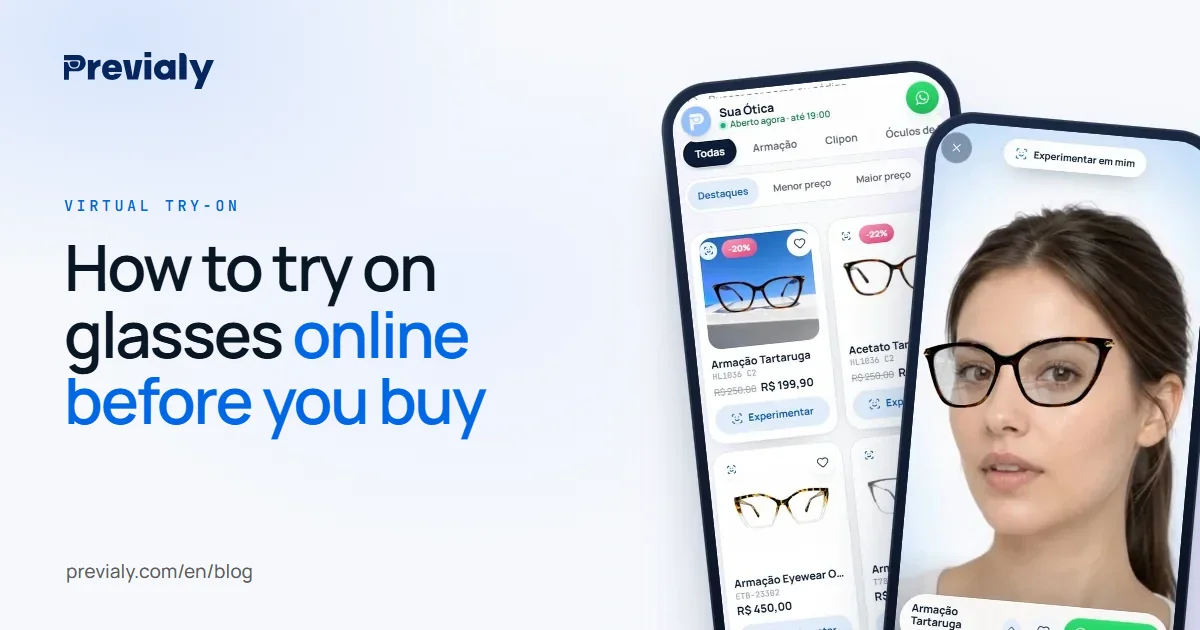
Yes. Stores that offer a virtual try-on let you see a frame on your own face before you buy or before you leave home. You open the store's link on your phone, allow the camera and the glasses appear on your face, following your movement, like a mirror.
This guide shows how to get the most out of it: what to set up, how to compare frames, how to check the size and what still depends on the store.
1. Find a store with a try-on
A try-on shows up in two ways:
- On the store's link. Many optical stores send their catalog address on WhatsApp or keep it in their Instagram bio. Each frame has a button to try it on.
- On the store's website. In online stores, the try-on button usually sits next to the Buy button.
2. Set up the camera and the light
Three simple things make the try-on more faithful:
- Light from the front. Face a window or a lamp. Light from behind darkens your face.
- Your whole face on screen. Hold the phone at eye level, with your arm half stretched.
- No glasses on. Take off the pair you are wearing and tie your hair back if it covers your temples.
The browser will ask to use the camera. Without that permission, the try-on does not open.
3. Try, turn your head and compare
In a live try-on, the frame follows your movement. Turn a little to each side, move closer and further away. Then switch frames and repeat: trying has no limit and costs you nothing.
To keep track, mark the two or three you like most as favorites and compare only those. Shape and color change a lot from one face to another, which is why seeing a frame on you is worth more than seeing it in a catalog photo.
Not every try-on is live: some generate a photo of you wearing the glasses. The difference is explained in live virtual try-on or AI photo.
4. Check the size from the numbers on the temple
The image helps with style, but size is confirmed by numbers. Every pair of glasses has three measurements printed inside the temple, such as 52□18-140: lens width, bridge and temple length, in millimeters.
Take a pair that fits you well and compare its numbers with those of the new frame. What each number means is in glasses frame size numbers explained.
5. Talk to the store before you close
Found a frame you like? Message the store and confirm what the screen does not show:
- Price, payment options and delivery time.
- Returns. What happens if the frame does not fit.
- Prescription lenses. The store needs your prescription and your measurements to make the lenses.
On storefronts built with Previaly, the "I want this" button opens a chat on the store's own WhatsApp, with the frame and the price already in the message.
What a try-on does not show
A try-on shows how the frame looks on your face. It does not show how heavy the frame is, whether it presses behind your ears or slides down your nose. That fitting is done at the store, with the glasses in hand.
Some stores also offer a camera estimate of your pupillary distance. It speeds things up, but the final measurement is always checked by the store's team. See how to measure PD with your phone camera.
Do you run an optical store or sell glasses?
A customer who has already seen the frame on their face arrives decided. To see what the try-on does and what the store gains, read how a virtual try-on for glasses works.
Frequently asked questions
How do I try on glasses online before I buy?
Open the link of a store that offers a virtual try-on on your phone, choose a frame, allow the camera and see the glasses on your face. Then check the size from the numbers on the temple and talk to the store.
Do I need to download an app to try on glasses with my camera?
It depends on the try-on. Previaly's opens in the phone's browser, with no app to download and no account to create.
Does the frame appear at the right size?
In Previaly it appears at roughly its real size when the store has entered the frame's measurements. To be sure, compare the numbers on the temple with those of the glasses you already wear.
Do optical stores let you take photos while trying frames?
It depends on the store: ask the staff. If the store has a virtual try-on, also ask for its catalog link. With it you can try the frames again at home and show them to anyone, with no rush.
Can I buy prescription glasses after trying them on online?
You can choose the frame. Prescription lenses depend on your prescription and on measurements checked by the store's team.
The Previaly team
We build the virtual try-on, the online storefront and the AI Studio that optical stores use to sell from the customer's phone. These guides come from what we see every day in the product and in our work with stores.