Live virtual try-on or AI photo: which sells more glasses?
Live camera try-on or an AI-generated photo: how each one works, what each try-on costs and which one helps more when selling glasses.
Key takeaways
- There are two kinds of virtual try-on for glasses: live, through the camera, and one that generates an AI photo for each try.
- With live try-on, customers turn their head and try as many frames as they want, at no cost per try.
- With AI photos, each try becomes an image, usually billed and capped per month.
- To choose a frame and decide to buy, live try-on answers more of the customer's questions.
Two ways to try on glasses online
Search for a virtual try-on for glasses and you will find two technologies with the same name that work very differently:
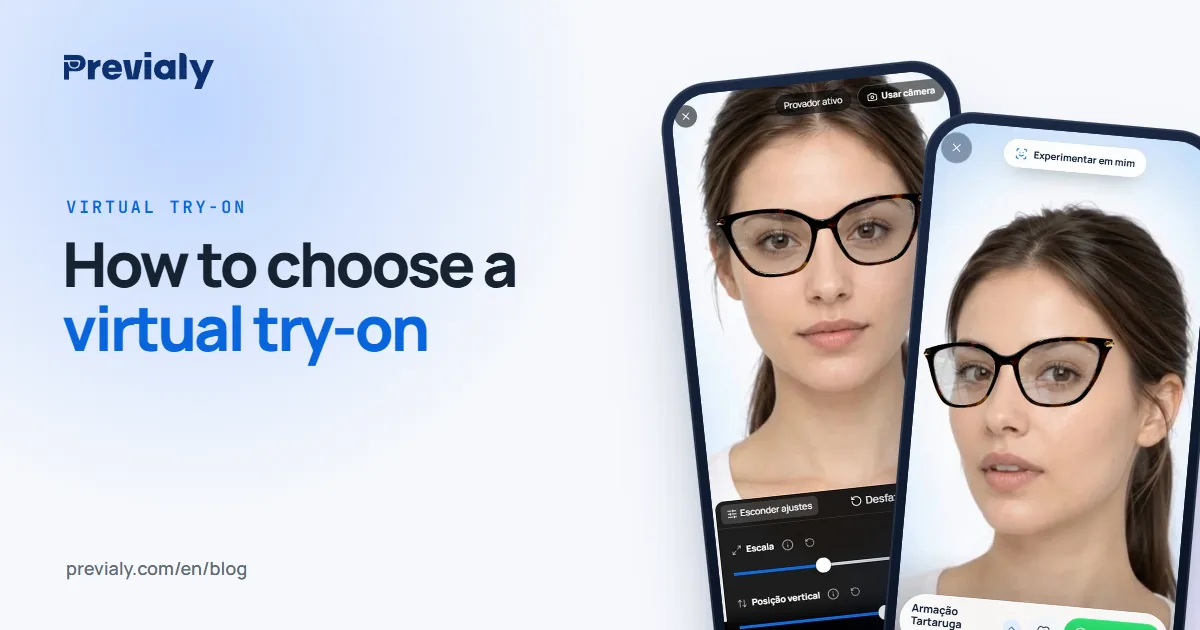
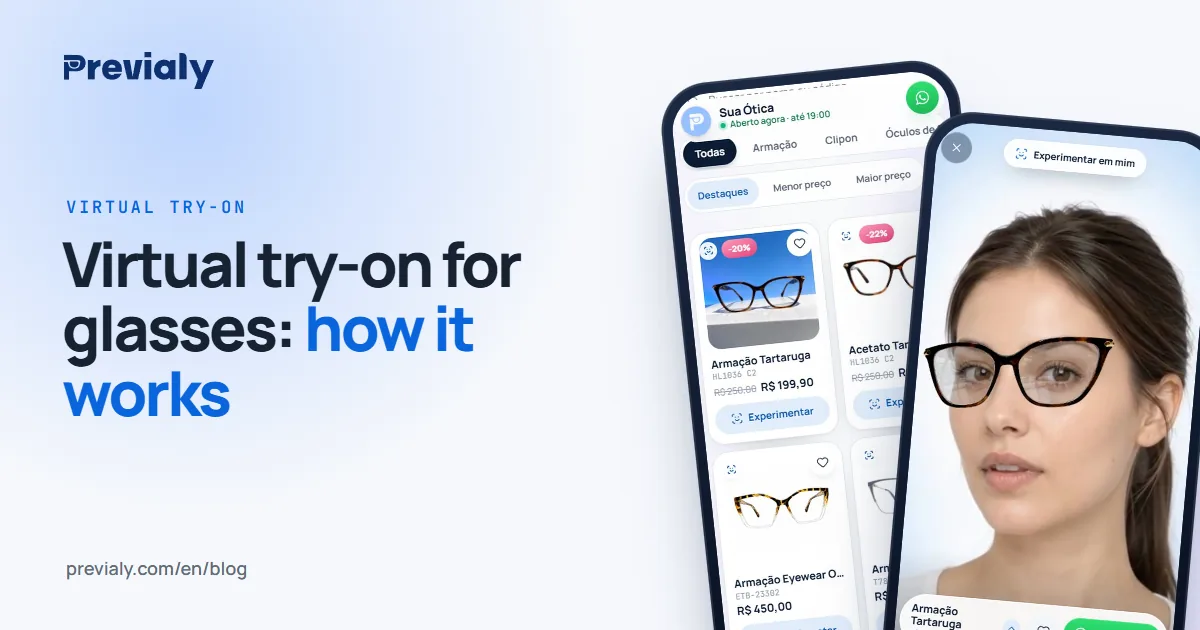
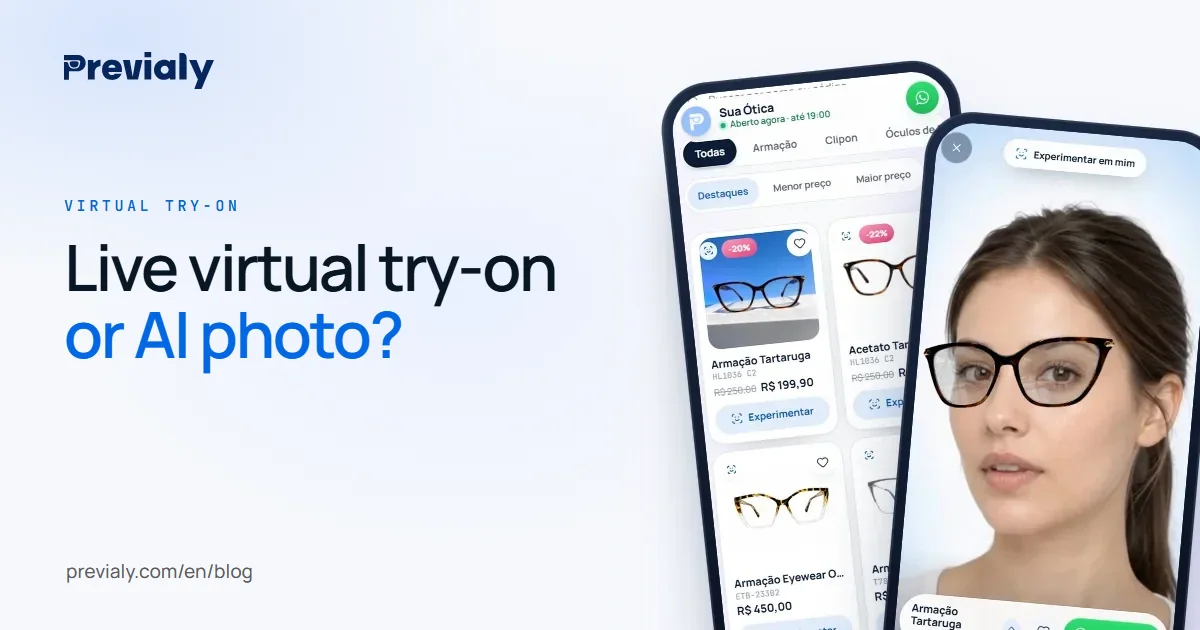
- Live try-on: the customer opens the phone camera and sees the frame on their own face, in real time, like a mirror.
- AI-generated photo: the customer sends a selfie and, after a few seconds, gets an image with the frame drawn on it.
Both use artificial intelligence. The difference is what the customer can do with them, and how much each try costs the seller.
How live try-on works
In a live try-on, AI finds the face in the camera image several times per second and fits the frame on the eyes and nose. The customer moves, turns sideways, gets closer, and the glasses follow.
That is the kind of try-on Previaly uses. In practice:
- the customer opens the store's link on their phone and taps Try on, with no app to download;
- the frame appears at real size, calculated from its measurements (lens width, bridge and temple) — see glasses frame size numbers explained;
- they switch models with one tap and compare as many as they want;
- the camera image stays on the phone: nothing is recorded or sent.
For the store, trying on costs nothing. A plan credit is used once per frame, to prepare its try-on model from a front photo.
How the AI-photo try-on works
With an AI-photo try-on, the customer sends a selfie and an AI draws the frame on it. The result is a still image — sometimes nice to share — that shows a single angle.
Since each try generates a new image, and generating images with AI is expensive, this model is usually sold in photo packs: a number of tries per month, and when the pack runs out, customers can't try anymore or the store pays more.
Side by side
- How the customer tries — Live: With the camera, in real time. AI-generated photo: Sends a photo and waits
- Movement — Live: Turns the head and sees the side. AI-generated photo: One still image
- How many tries — Live: Unlimited. AI-generated photo: One image per try, usually capped
- Cost per try — Live: None. AI-generated photo: Each image counts in the pack
- Privacy — Live: The image stays on the phone. AI-generated photo: The photo goes to the AI to generate the image
Why it matters when selling glasses
Choosing glasses means comparing. The customer tries one frame, then another, goes back to the first, looks from the side, asks someone at home. An interested customer tries many models before deciding.
With live try-on, each of those tries is free and instant. With AI photos, each one counts in the pack. Either the store limits how many models the customer sees, or it pays for them.
The angle matters too. A photo shows the face from the front. Anyone who wants to see how the temple looks from the side, or whether the frame covers the eyebrow when they tilt their head, needs to move — and only live try-on shows that.
When an AI photo makes sense
The generated photo has its place: it produces an image ready to post and works with an old photo, with no camera on. For campaigns and social content, it can be useful.
To choose a frame and decide to buy — the moment the sale happens — live try-on answers more of the customer's questions, at no cost per try.
How to test before choosing
Ask to test on your own phone and check four things:
- Speed: how long from opening to seeing the frame on your face.
- Movement: turn your head. Do the glasses follow?
- Size: does the frame look the right size, or too big?
- Limit: how many tries the plan allows per month, and what happens when they run out?
To compare prices, see how much a virtual try-on for glasses costs. To see what Previaly offers, visit the Previaly home page.
Frequently asked questions
What is the difference between a live and a photo virtual try-on?
With live try-on, the customer sees the frame on their face through the camera, in real time, and can move. With a photo try-on, they send a selfie and get a still image generated with AI. Live try-on allows unlimited tries; photo try-on is usually billed per image.
Does live try-on also use artificial intelligence?
Yes. AI finds the face in the camera image several times per second and places the frame on the eyes and nose. In Previaly, AI also prepares each frame's try-on model from a front photo.
Does live try-on record the customer's face?
Not in Previaly. The camera image stays on the phone of the person trying on: nothing is recorded or sent.
How much does each try cost in Previaly's live try-on?
Nothing. Tries are unlimited and use no credits. A plan credit is used once per frame, to prepare its try-on model.
The Previaly team
We build the virtual try-on, the online storefront and the AI Studio that optical stores use to sell from the customer's phone. These guides come from what we see every day in the product and in our work with stores.