Glasses frame size numbers explained: 54□16-142
The numbers on your glasses temple are lens width, bridge and temple length. Learn how to read them, pick the right size and decode the color code.
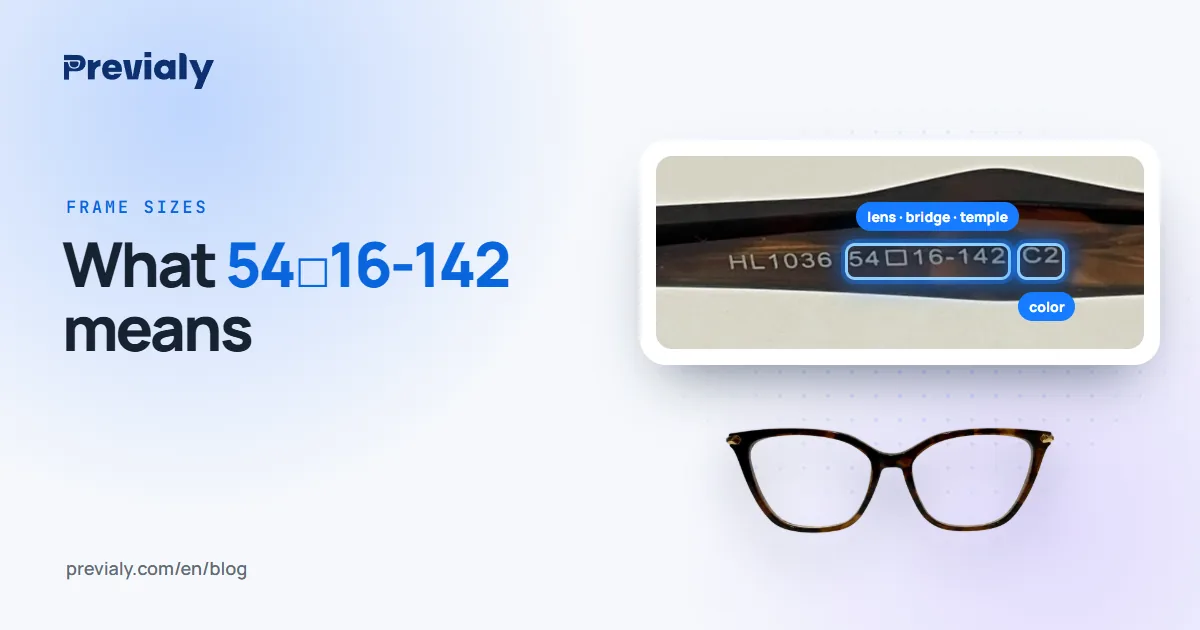
Key takeaways
- The three numbers on the temple are lens width, bridge width and temple length, in millimeters.
- The small square □ between the first two marks the measuring system — it's not a number.
- The code before the sizes is the model; the ending (C1, C2…) is usually the color.
- To get the size right, compare with a frame that already fits you: 2–3 mm of difference in lens width is barely noticeable.
Where to find your frame size
Almost every pair of glasses has its size printed on the inside of the temple — the arm that goes over your ear. Some brands print it on the inside of the bridge instead. It's a short line like this one, from a tortoiseshell frame:
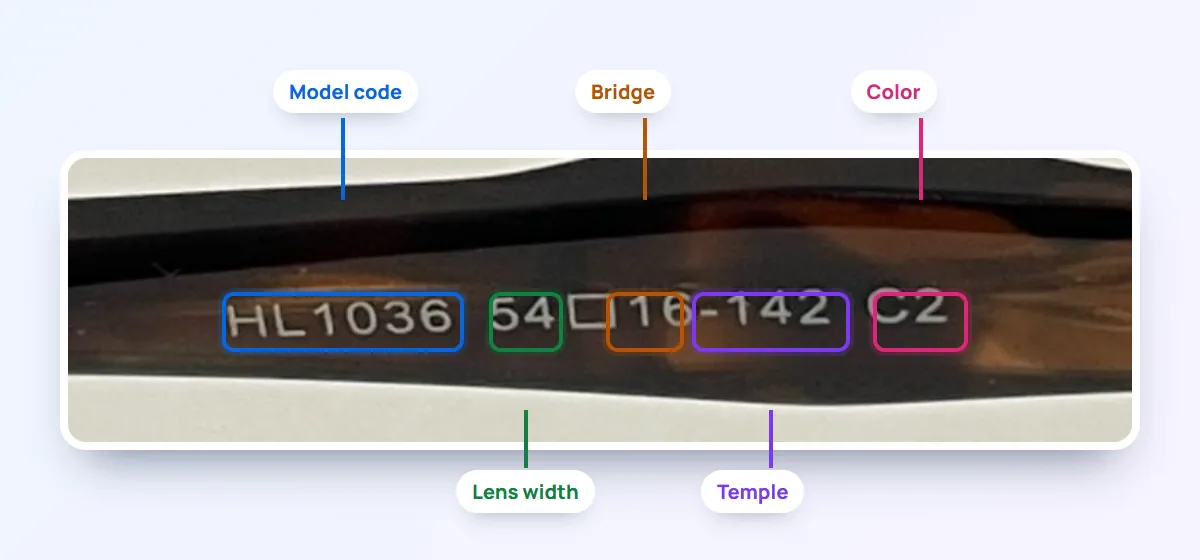
Read from left to right, it tells you almost everything you need to know about whether the frame will fit.
What each number means
Lens width (54)
The first number is the width of each lens, edge to edge, in millimeters. Also called eye size, it's the measurement that changes the overall size of the frame the most. For adults, most frames fall between 48 and 58 mm.
Bridge width (16)
The second number is the distance between the two lenses, where the frame rests on your nose. A narrow bridge (14–16 mm) sits higher on a slim nose; a wide bridge (18–22 mm) fits a broader nose better. The wrong bridge is the most common reason glasses slide down or pinch.
Temple length (142)
The third number is the length of the temple, from the hinge to the tip, in millimeters. It varies little — almost always between 135 and 150 mm — and the final fit is done at the optical store by bending the tip behind the ear.
What about the little square □?
The □ symbol between the lens width and the bridge isn't a number. It shows that the frame was measured with the boxing system, the standard where each lens is measured as if it sat inside a rectangle. Some brands use a dash instead. "54□16" and "54-16" mean the same thing.
The model code and the color (C2)
The model code usually comes before the sizes (here, HL1036). After them comes the color or variant — C1, C2, C3, or a brand-specific code. The same HL1036 frame can come in black (C1) and tortoiseshell (C2).
For an optical store, the full code — model plus color — is what tells one piece from another in stock. When a customer asks "do you have that one in tortoiseshell?", the ending is the answer.
How to choose the right size
The safest way is to start from a frame that already fits you well:
- Find the numbers on the temple of your current glasses.
- Compare the lens width: up to 2 or 3 mm of difference is barely noticeable. Beyond that, the frame looks visibly bigger or smaller.
- Check the bridge: if your current pair sits well on your nose, stay close to the same number.
- Temple length rarely decides anything: the store adjusts it.
Without a reference frame, a simple rule helps: the total width of the glasses should be close to the width of your face at the temples, and your eyes should sit roughly in the middle of each lens.
Why sizes matter in a virtual try-on
In a virtual try-on for glasses, the sizes are what put the frame on the customer's face at its real size. Without them, the try-on can only show the style; with them, it also shows whether the frame looks too big or too small.
On Previaly, the store types the three numbers when adding a frame, and the frame drawing updates instantly:
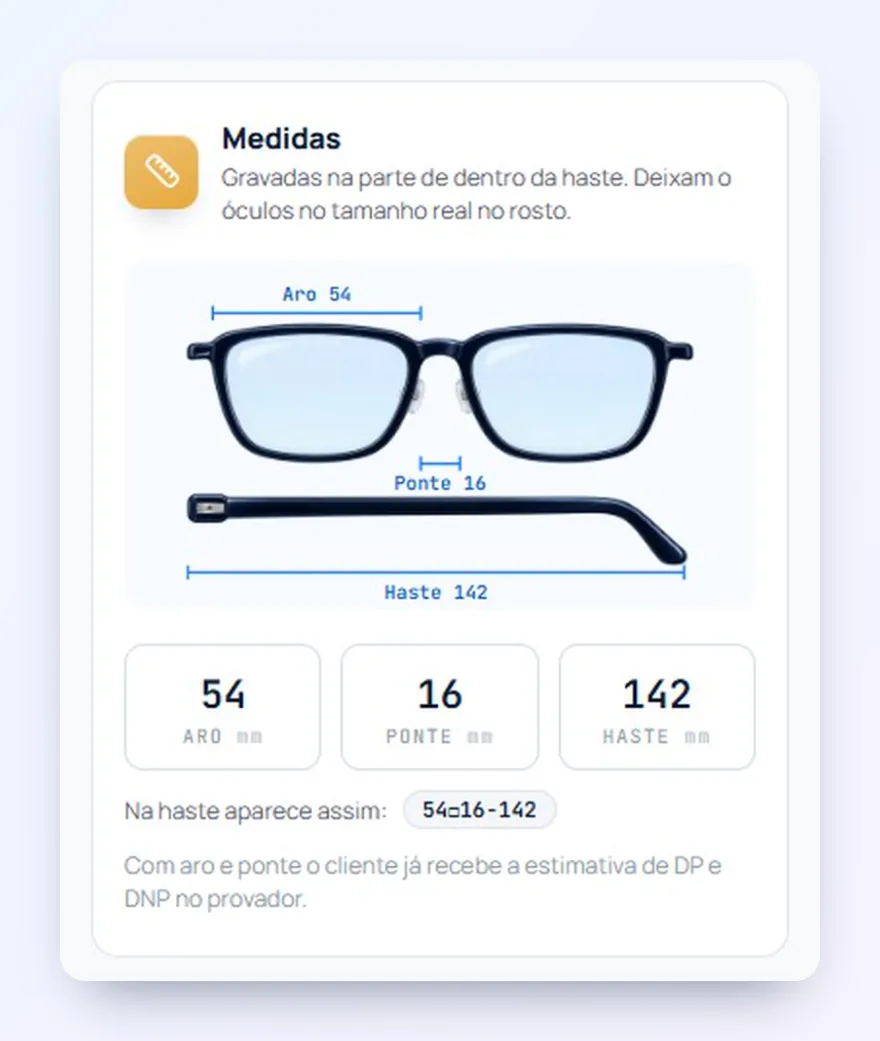
With the lens width and the bridge, customers also get an estimate of their pupillary distance (PD) in the try-on. The final measurements for making the lenses are still checked by the optical store.
Frequently asked questions
What does 54□16-142 mean on glasses?
They're the frame measurements in millimeters: 54 is the width of each lens, 16 is the distance between the lenses (bridge) and 142 is the length of the temple. The □ marks the measuring system and isn't a number.
What does C2 mean on a glasses frame?
It's the color or variant of the model. The same frame can come in several colors, numbered C1, C2, C3 and so on.
What frame size is right for my face?
The safest way is to compare with a pair you already wear and like. Lens widths within 2 to 3 mm look about the same size; the bridge should stay close to your current one.
Do sunglasses have these measurements too?
Yes. They're read the same way — lens width, bridge and temple, in millimeters — usually on the inside of the temple.
Does an optical store need to enter the sizes in a virtual try-on?
For the try-on to show the frame at its real size, yes. On Previaly it's three fields when adding the frame: lens width, bridge and temple. See how to add a frame.
The Previaly team
We build the virtual try-on, the online storefront and the AI Studio that optical stores use to sell from the customer's phone. These guides come from what we see every day in the product and in our work with stores.