How to measure PD with your phone camera (and how accurate)
PD and monocular PD explained: how to measure them with your phone camera, using the frame as the ruler, and why the store checks the final number.
Key takeaways
- Monocular PD is the distance from each pupil to the middle of the nose; added together, they give the PD.
- It centers each lens in front of the eye, and a few millimeters off already bothers high prescriptions and progressives.
- With the phone camera you can measure it using the frame itself as the ruler: the lens width and bridge from the catalog give the scale.
- It is a supporting measurement for customers who buy remotely: the optical store always checks the final one.
PD and monocular PD: what is the difference
PD (pupillary distance) is the distance between the centers of the two pupils, in millimeters. Monocular PD splits it in two: the distance from each pupil to the middle of the nose, where the frame's bridge sits. Add the right and left monocular PD and you get the PD.
Optical stores prefer monocular PD because almost no face is symmetrical: one eye is usually a little closer to the nose than the other. With one measurement per eye, each lens is centered in the right place.
Progressive lenses need a third measurement, the fitting height: the distance from the center of the pupil to the bottom edge of the lens, with the frame on the face. It depends on the chosen frame, so it is measured with it.
Why the measurement matters
The optical center of the lens has to sit in front of the pupil. Off center, the lens shifts the image (the prismatic effect) and the eye works to compensate: headaches, fatigue, the feeling that "the glasses are not right". The stronger the prescription, the less error the lens tolerates. With progressives, a wrong height makes the wearer hunt for the reading zone by tilting the head.
Ways to measure
- At the optical store: with a pupillometer, or with a ruler and the frame on the face. This is the reference measurement.
- A ruler in the mirror, at home: cheap but imprecise — it is hard to look straight, hold the ruler and read the number at the same time.
- A photo with a card for scale: many apps ask for a standard-size card against the forehead. The math works, but the card tilts and sits in front of the face, which changes the scale.
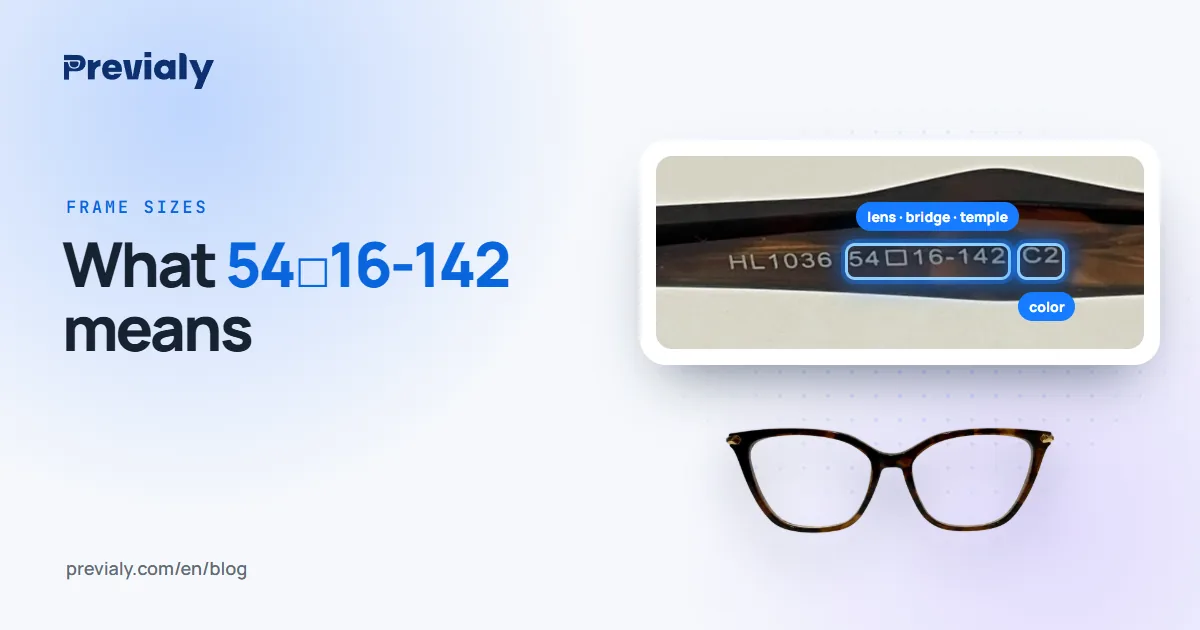
- The frame as the ruler: the frame is already on the face, in the same plane where the store marks the pupil. Since its lens width and bridge are known (the numbers on the temple, like 54□16-142 — see what each number means), the photo carries its own scale.
How it works in Previaly
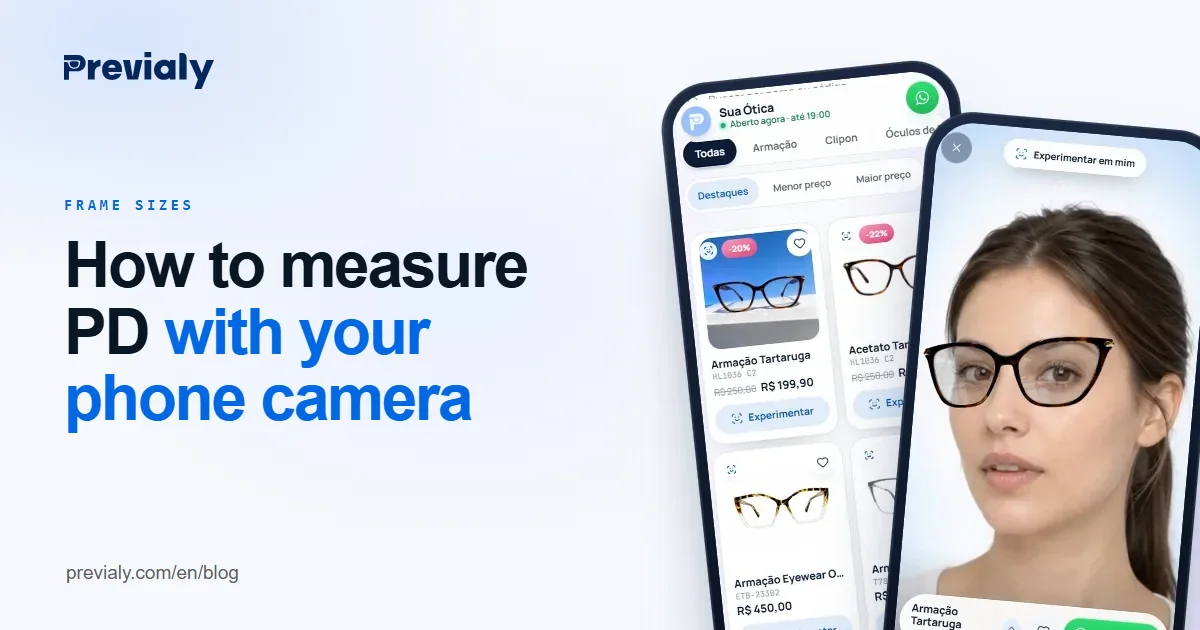
In the store's online catalog, frames with lens width and bridge registered have a Measure button in the virtual try-on. It first asks whether the person has the frame in hand:
- With the frame on, it becomes the ruler. The person holds the phone at eye level and the try-on reads each eye's monocular PD, the total PD and the fitting height.
- Without the frame, the camera still estimates the monocular PD, but the height is marked as approximate — it is only right with the frame on.
A reading with strong glare on the lens, a turned face or poor light is rejected or flagged as unstable, with a prompt to repeat it in good light. At the end, Send to the store shares the measurements on WhatsApp, and the store also sees them in the dashboard, on the record of whoever left their contact.
It is most useful for people buying remotely: the customer who chose from the catalog, or the customer who got the frame during a door-to-door visit and measures right there, with the frame on.
What throws the measurement off
- Weak or back light: the camera needs to see the pupils and the edge of the lenses.
- Glare on the lens: strong light from the front erases the rim's edge.
- A turned or tilted face: look straight at the camera, with the phone at eye level.
- The phone too close: up close, the eyes converge and the pupils move closer together. Hold the phone at a comfortable distance, like a selfie.
- A crooked frame: if it sits lower on one side, the scale goes with it.
The final measurement belongs to the store
Measuring with the phone is a supporting measurement: it helps the choice, speeds up the order and saves a trip. The measurement that goes to the lab is always checked by the store's team — especially for high prescriptions and progressives.
Frequently asked questions
What is monocular PD?
It is the distance from each pupil to the middle of the nose, in millimeters, one per eye. Added together, they give the PD.
Can I measure my PD with my phone?
Yes. With the camera and the frame on your face as the ruler, the phone reads each eye's monocular PD and the fitting height. It is a supporting measurement: the store checks the final one.
What is the difference between PD and monocular PD?
PD is the distance between the two pupils. Monocular PD splits it in two, from the middle of the nose to each pupil — more useful because faces are not symmetrical.
Can the phone measure the fitting height too?
Yes, with the frame on, because the height depends on the chosen frame. Without the frame, the height is marked as approximate.
Does the phone measurement replace the optical store?
No. It speeds up the choice and the order for people buying remotely, but the final measurement is checked by the store's team.
The Previaly team
We build the virtual try-on, the online storefront and the AI Studio that optical stores use to sell from the customer's phone. These guides come from what we see every day in the product and in our work with stores.