AI glasses try-on: from a frame photo to the face
How AI turns a phone photo of a frame into a live virtual try-on, what it does on its own, what you check, and what each frame costs.

Key takeaways
- The AI works once per frame: it turns a front photo, taken on a phone, into the model that goes on the face.
- It removes the background and the temples, and the size on the face comes from the frame measurements.
- After that, customers try it on live, with the camera, as many times as they want, without using credits.
- You check it on a sample face and publish; temples, if you want them, come from a side photo.
Where AI comes in
When people hear "AI glasses try-on", many imagine that every try-on is an image created by AI. That is not how the Previaly try-on works. The AI works once per frame, when you add it: it takes the frame photo and prepares the model that goes on the face.
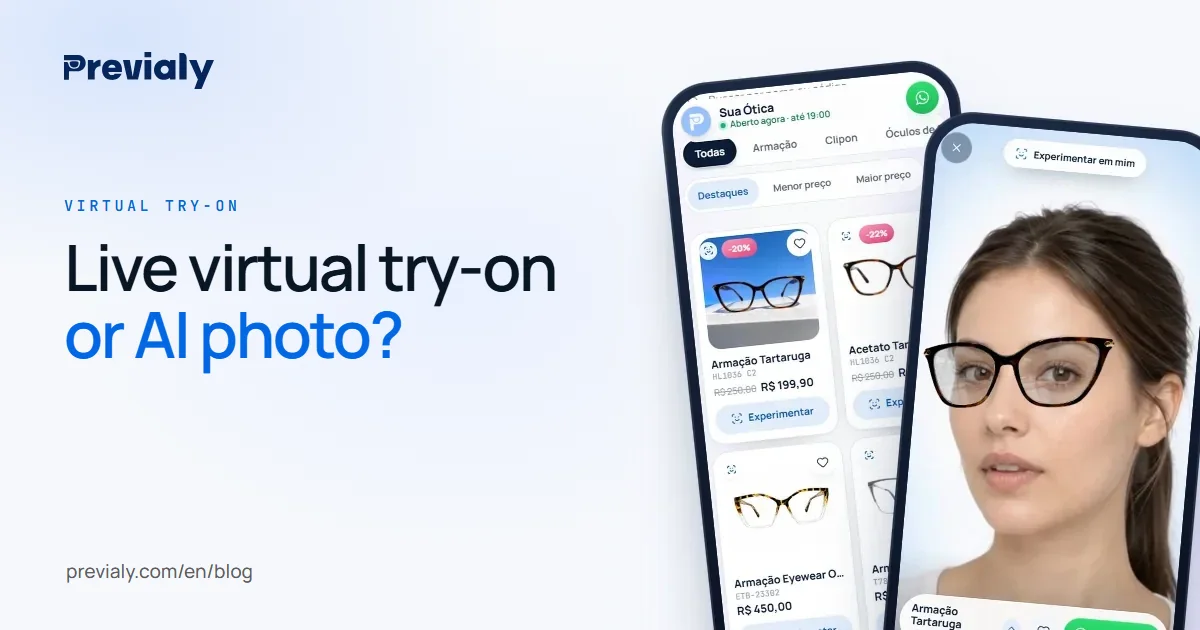
After that, the camera does the work. The customer opens the store's link on their phone, allows the camera, and the frame appears on their face, following their movement, like a mirror. That is why try-ons are unlimited and free.
If you are choosing between this and a try-on that generates a photo for every try, see the comparison in Live virtual try-on or AI photo?.
From frame photo to face, step by step
1. The front photo
It all starts with a front photo of the frame, which can be taken on a phone. You don't need a photographer or a special background: what matters is the whole frame in view and good light. Tips for getting the photo right are in how to photograph glasses to sell online.
2. The AI builds the 2D model
In the dashboard, you upload the photo and tap Generate 2D model with AI (1 credit). In a few moments the AI:
- removes the background from the photo;
- removes the temples, leaving only the front of the frame;
- detects the lens, clear or sunglass (you can change it).
The result is the front of the frame, ready to fit on the face.
3. The size comes from the measurements
The AI does not guess the size. It comes from the frame measurements, the numbers on the temple: lens width, bridge and temple length. So a small frame looks small on the face, and a large one looks large. If those numbers are unclear, see glasses frame size numbers explained.
4. You check before publishing
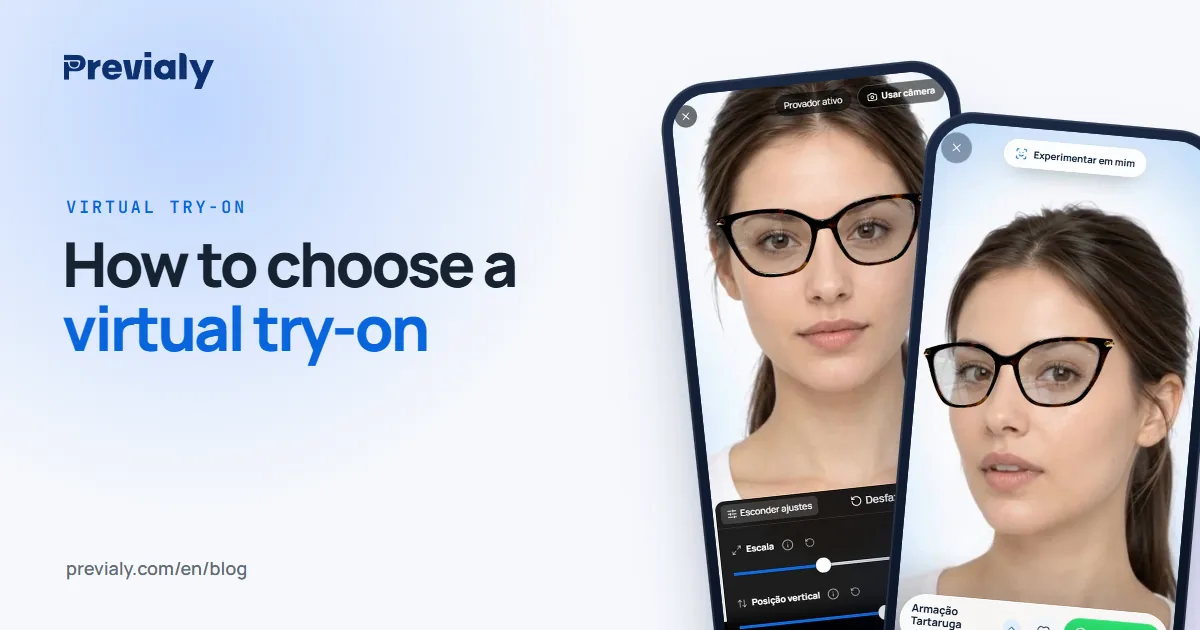
In Adjust on the face, you can see the frame on a sample face, on video, or on your own camera. If you want, you fine-tune the scale and height. Then you just publish it to your storefront.
5. Temples, if you want them
By default only the front goes on. For the customer to see the temple when they turn their head, upload a side photo of the frame, open and with the whole temple in view (1 more credit). The AI makes one temple and the other is mirrored.
What it costs to prepare each frame
Preparing the 2D model uses 1 credit from your plan; temples use 1 more. Trying on never uses credits. And if another store has already prepared the same frame, with the same code, the dashboard tells you and you use the ready-made model at no cost.
The full step-by-step, with screenshots, is in how to add frames to the virtual try-on.
What the AI does not do
- It doesn't create frames you don't have. The model comes from the photo of your frame.
- It doesn't replace trying on in store. The try-on shows style and approximate size. Comfort on the nose and behind the ear can only be checked with the glasses in hand.
- It doesn't generate an image for every try. The try-on is live, with the camera, in the browser, with no app to download.
Frequently asked questions
How does an AI glasses try-on work?
At Previaly, the AI turns the front photo of a frame into a model with no background and no temples. Then the customer tries that model on live, with their phone camera, and the frame follows their face like a mirror.
Do I need a professional photo of the frame?
No. A front photo taken on a phone works, as long as the whole frame is in view and the light is good. For storefront photos, the AI Studio creates catalog photos from the phone photo.
How long does it take for a frame to be ready?
The 2D model is ready a few moments after you upload the photo. Temples, if you ask for them, are ready within a minute.
Does the AI use credits on every customer try-on?
No. Credits are only used to prepare the frame: 1 for the front and 1 for the temples. Customer try-ons are unlimited and use no credits.
Does the frame show at the right size?
It shows at an approximate size, calculated from the frame measurements. You can check and adjust it in Adjust on the face before publishing.
The Previaly team
We build the virtual try-on, the online storefront and the AI Studio that optical stores use to sell from the customer's phone. These guides come from what we see every day in the product and in our work with stores.