Instagram for optical stores: ready-made posts and stories
Post and story ideas for optical stores, and how to make them with your branding in minutes, without a designer, in Previaly's Marketing Studio.
Key takeaways
- The challenge for optical stores on Instagram is posting consistently, with a branded look.
- New arrivals, most-tried frames, promotions and face-shape tips are the topics that work.
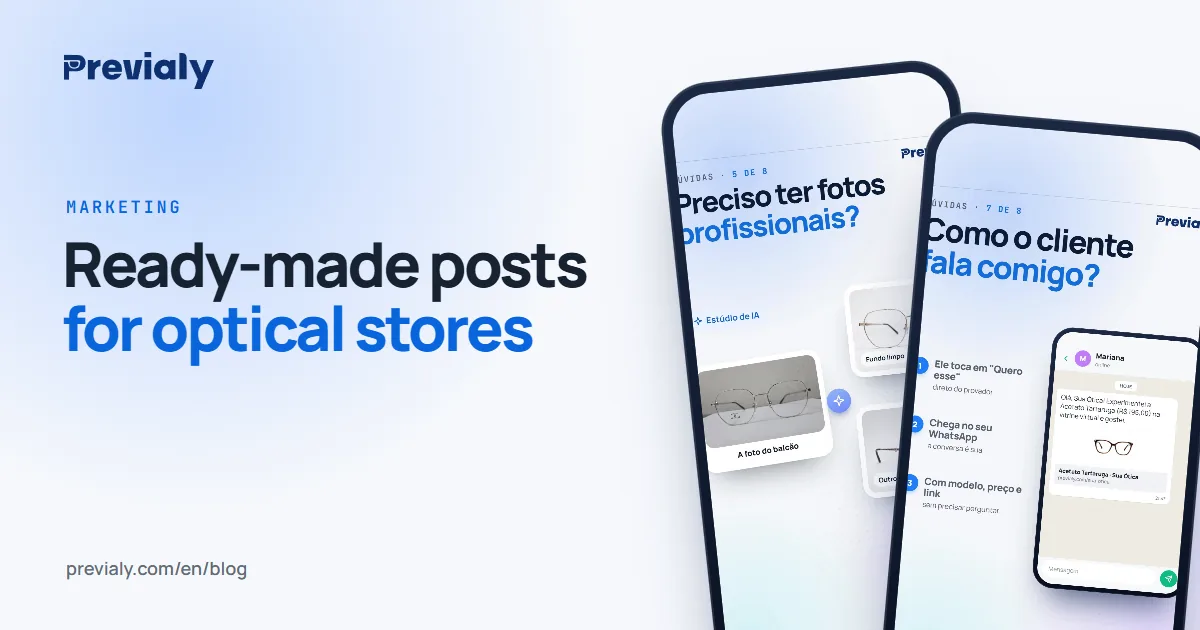
- Previaly's Marketing Studio creates stories, posts and prints with the store's frames.
- Every piece leads to the storefront, where customers try on and message you on WhatsApp.
Every optical store's Instagram problem
Every optical store knows it needs to post. The hard part is finding the time and the artwork every week: photographing the frame, putting the image together, writing the caption, making the story. Without a designer, the profile stalls — and the customer who looks the store up on Instagram finds a last post from months ago.
Post and story ideas that work for optical stores
- Just in: the new frame front and center, like a magazine cover, with the price.
- This one or that one?: two frames side by side for followers to vote in the comments. It sparks conversation and reach.
- This month's favorites: the three most-tried frames in your storefront.
- Which one suits your face?: a carousel that helps customers choose by face shape.
- Outfit palette: the frame with the colors that go with it.
- Sale: the old price, the new price and the deadline.
- Where we are and opening hours: stories with the store's address and hours, for people who want to drop by.
- New in the storefront: a short video inviting people to try the frame on their own face.
What they all have in common: they end with an invitation to try the frame on their face, at the link in bio.
How to make them in minutes: the Marketing Studio
In the Previaly dashboard, the Marketing Studio builds these pieces with your store's branding:
- Choose the format: a story video, a feed post or a print for the store.
- Choose a frame from your catalog. The photo, name and price are filled in for you.
- Adjust the text if you like, and download. Posts come with a ready-to-use caption.
Your logo, colors, address and hours come from your store profile — no need to type them again. The templates are in Portuguese for now.
Available formats
- Story videos — Examples: New arrival, New in the storefront, Most tried, Sale, Where we are, Opening hours
- Feed posts (4:5) — Examples: Just in, This one or that one?, Favorites, Optical truths, Which one suits your face?, Outfit palette, Price drop
- Prints — Examples: Shop window poster, flyer, mirror sticker, round sticker, business card, labels with QR codes
From post to sale
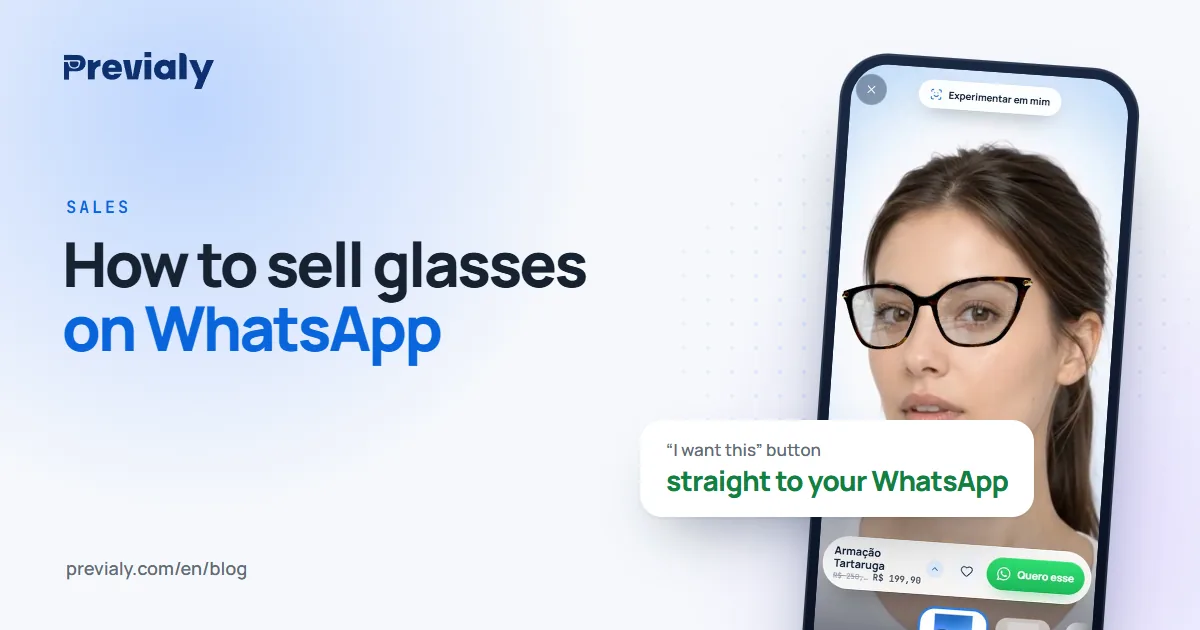
The post grabs attention; what closes the sale is customers seeing themselves in the frame. That's why every piece leads to the store's online storefront, where customers try on with their phone camera and message you on WhatsApp having already chosen the frame.
How much it costs
The Marketing Studio is included in every Previaly plan, from R$ 97 a month (Brazilian reais), and uses no credits. See the plans.
To turn the conversation into a sale, see how to sell glasses on WhatsApp.
Frequently asked questions
What should an optical store post on Instagram?
New arrivals in the storefront, the most-tried frames, promotions, tips on which frame suits each face shape, and the store's hours and address.
Do I need a designer to make posts for my optical store?
No. Previaly's Marketing Studio creates stories, posts and prints with the store's logo, colors and frames.
How do I turn Instagram followers into customers?
Put your storefront link in your bio: customers try the frame on with their phone and message the store on WhatsApp having already chosen it.
The Previaly team
We build the virtual try-on, the online storefront and the AI Studio that optical stores use to sell from the customer's phone. These guides come from what we see every day in the product and in our work with stores.