How to sell glasses on WhatsApp: a guide for stores
One catalog link, fast replies, customers trying frames on their phone and ready-made messages: how optical stores sell more glasses on WhatsApp.
Key takeaways
- Replace loose photos in the chat with one link to your whole catalog, with prices.
- Let customers try the frame on their face with their phone before they come in.
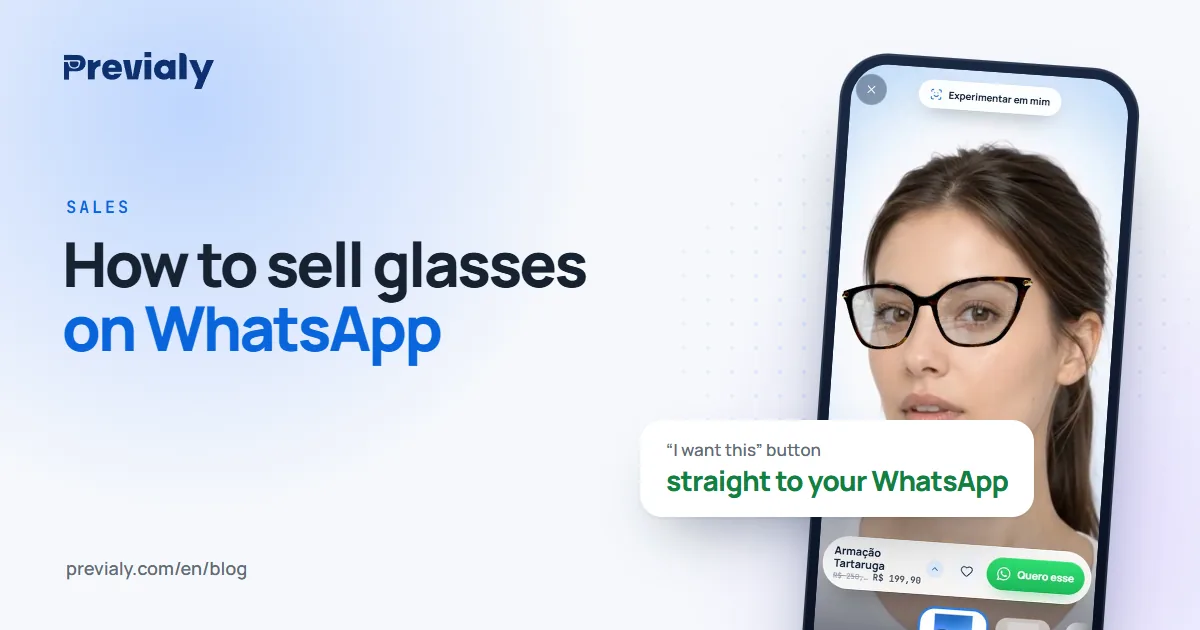
- When they like one, they tap “I want this” and reach your WhatsApp with the frame, price and link.
- Reply fast, with saved messages, and follow up with people who asked and went quiet.
Why WhatsApp became the store counter
In much of the world, buying glasses now starts with a chat: someone sees a story, asks for the price, requests "a photo of that round one". WhatsApp is where customers already are — and where stores lose the sale when the chat turns into a pile of loose photos.
The problem isn't WhatsApp. It's that customers can't picture themselves in a frame by looking at a photo on a countertop, and they stop asking.
1. Send a link, not twenty photos
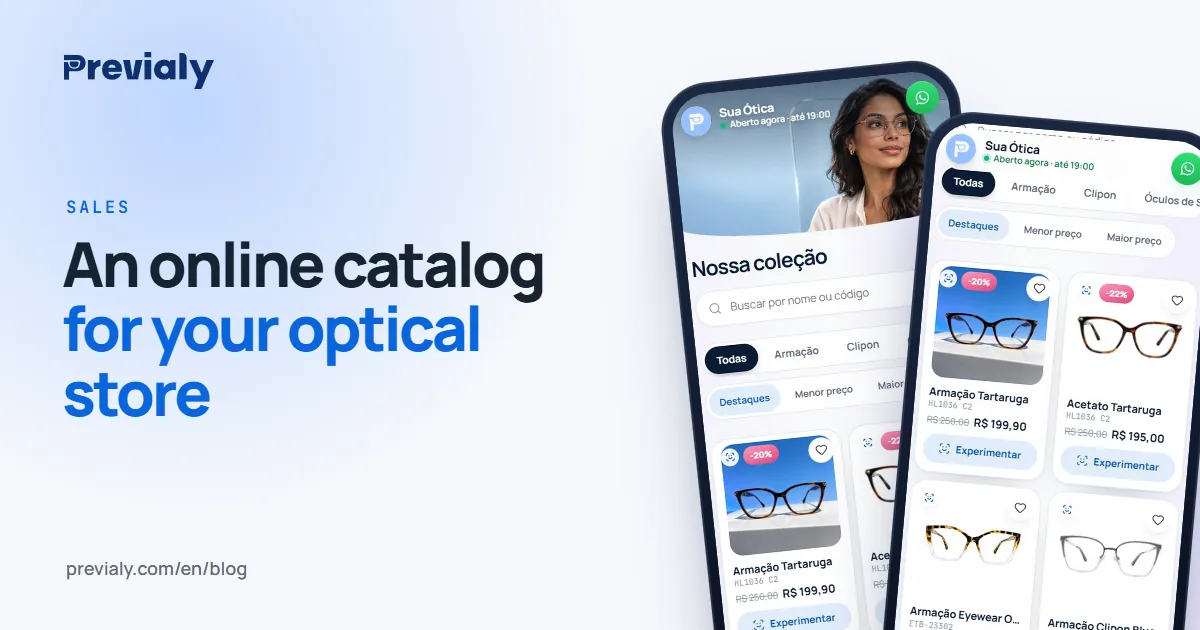
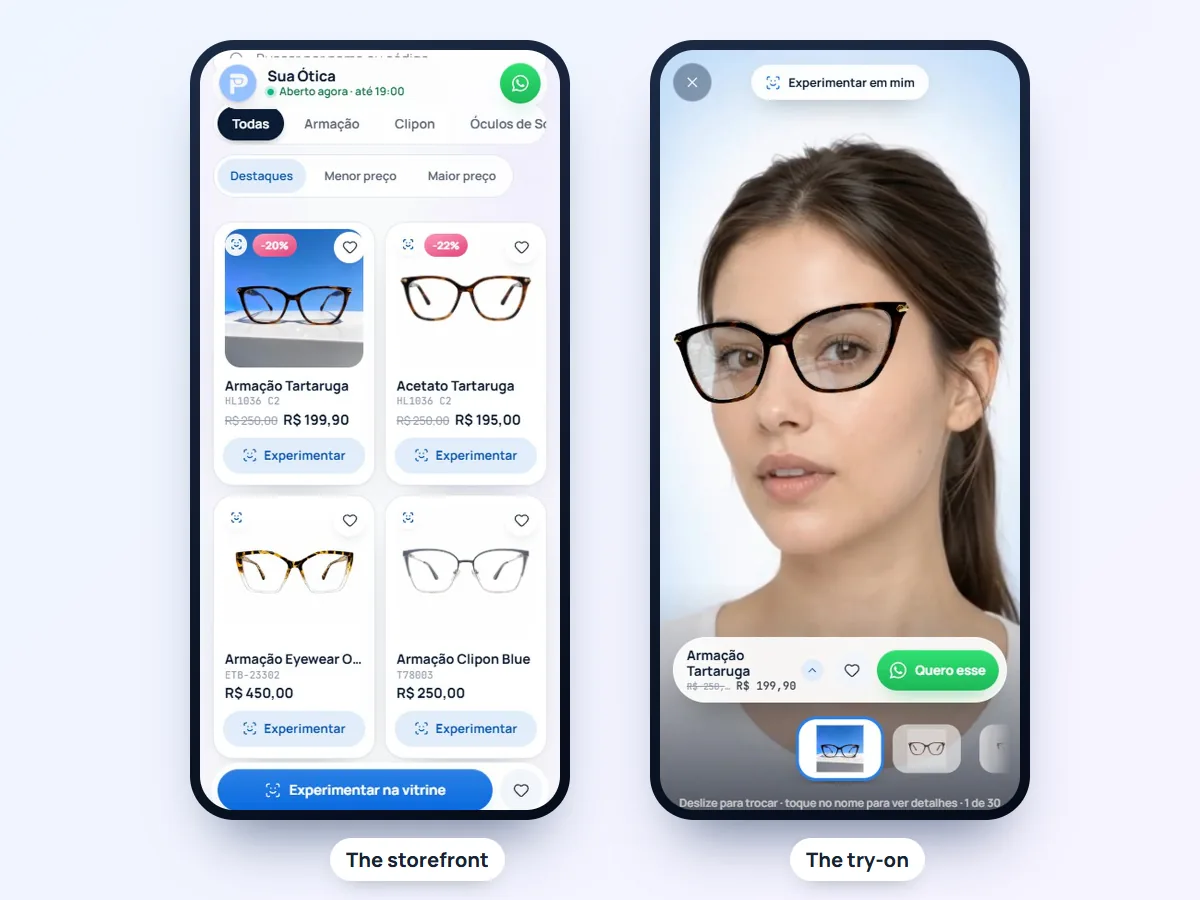
Instead of photographing frame after frame in the chat, send one link to your whole catalog: good photos, names, prices and filters (men, women, sunglasses). Customers browse at their own pace, without waiting for you to answer every photo.
On Previaly, that link is your store's storefront — previaly.com/your-store — with your brand, address and hours. See how to set one up in an online catalog for your optical store.
2. Let customers try on before they come in
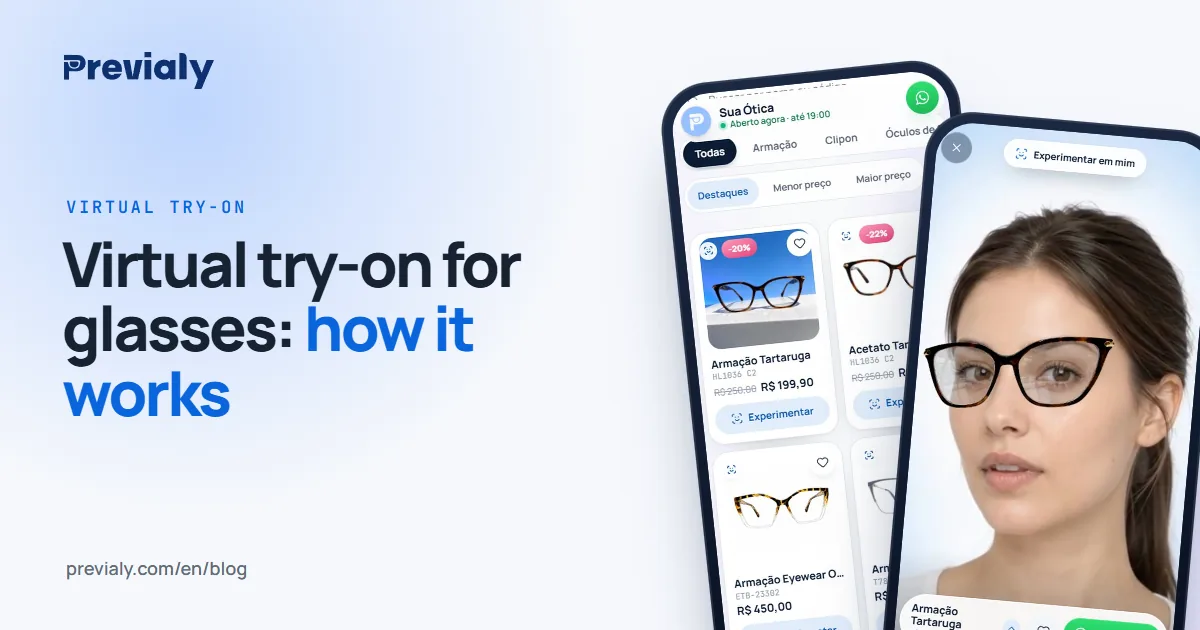
The question that stalls most WhatsApp sales is "will it look good on me?". A virtual try-on for glasses answers it on the customer's own face: they open the link, allow the camera and see the frame on their face, live, with no app to download.
3. Have customers arrive ready to buy
When customers like a frame, they tap "I want this" and open a chat with your store's WhatsApp — with the frame name, the price and the link already written. You don't have to guess which frame they mean, and the conversation starts at the point of decision, not at "hi, how much is it?".
The contact is direct with you: Previaly doesn't sit in the middle of the chat and takes no commission on the sale.
4. Reply fast (with saved messages)
Someone asking for a price on WhatsApp is comparing with other stores at the same time. Replying within minutes changes the outcome. WhatsApp Business helps with quick replies and labels. A few messages worth saving:
Hi! So glad you liked the frame. It's available here at the store. Would you like me to set it aside so you can try it in person?
I picked a few similar to the one you tried. Take a look and try them on with your phone: previaly.com/your-store
To make your lenses, I'll need your prescription. Could you send a photo of it here?
Just a reminder about the frame you tried yesterday. I can keep it aside for you until Saturday — does that work?
5. Use status updates and stories
WhatsApp status is seen by people who are already your customers. Post new arrivals with your storefront link — and on Instagram, put the link in your bio. Post ideas are in ready-made posts for optical stores.
6. Follow up with people who went quiet
Not everyone decides right away. Label the people who asked but didn't buy, and reach out again in two or three days — with the frame they tried. In the Previaly dashboard, the Leads screen shows who saved or asked about each frame, and the most-tried report shows what's worth keeping in stock.
Frequently asked questions
How do I sell glasses on WhatsApp without sending dozens of photos?
Send one link to your store's catalog: photos, names, prices and filters in one place. Customers browse on their own and message you when they've chosen.
Do customers need to download an app to try on glasses?
No. Previaly's try-on opens in the phone's browser: they tap the link, allow the camera and try on.
Does the chat with the customer go through Previaly?
No. The "I want this" button opens the chat directly on the store's WhatsApp, with the frame, price and link. There's no commission on the sale.
Can I sell prescription glasses on WhatsApp?
You can sell the frame and arrange the lenses, but the prescription and the measurements for making the lenses must be checked by the store, just like at the counter.
Is the WhatsApp Business catalog enough?
It helps, but it doesn't show the frame on the customer's face and it takes effort to keep up to date. Many stores use both: the WhatsApp catalog and the storefront link with the try-on.
The Previaly team
We build the virtual try-on, the online storefront and the AI Studio that optical stores use to sell from the customer's phone. These guides come from what we see every day in the product and in our work with stores.