An online catalog for your optical store: how to build it
How to build an online catalog for an optical store, with photos, prices and a virtual try-on, and share it on WhatsApp, Instagram and at the counter.
Key takeaways
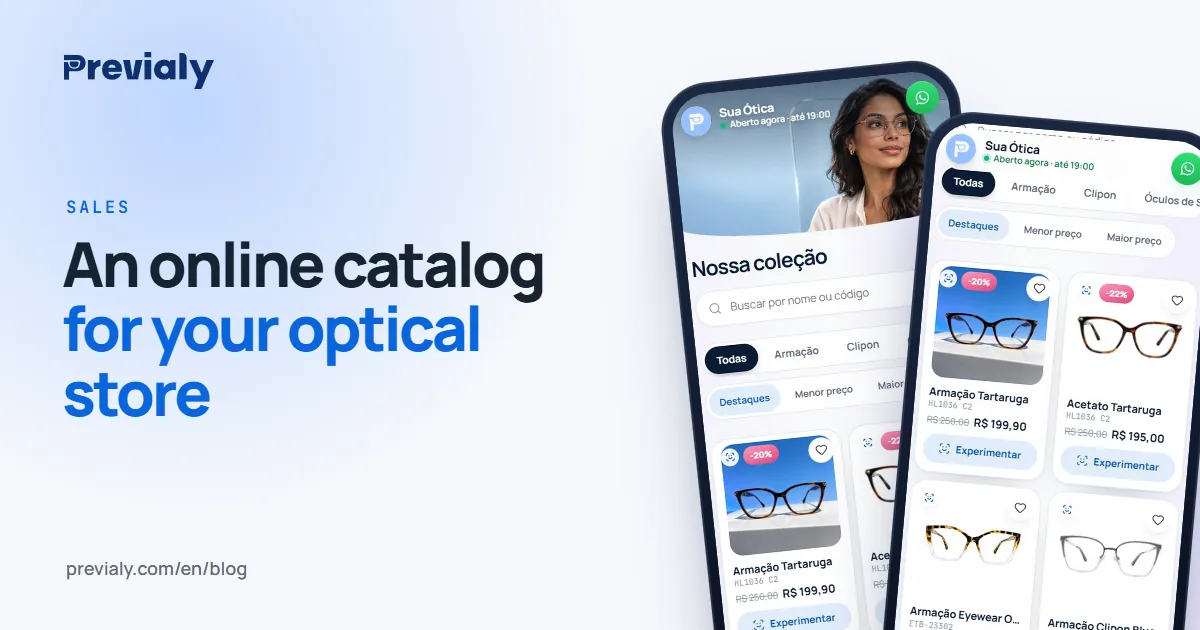
- An online catalog puts your frames, with photos, names and prices, in one link that's easy to share.
- It replaces loose photos on WhatsApp and out-of-date PDFs.
- With a try-on, customers also see the frame on their own face.
- Share the link in your bio, on WhatsApp and on a QR code at the counter.
Why an optical store needs an online catalog
Most conversations that sell glasses start on a phone: a customer asks on WhatsApp whether you have "that round one", someone sees a story and wants the price. Without an online catalog, the answer becomes a string of loose photos in the chat — and customers can't compare, or picture themselves in the frame.
A good online catalog for an optical store does three things:
- Shows your frames organized, with photos, names and prices.
- Lives at one link that's easy to send and to put in your Instagram bio.
- Brings the customer back to you, on WhatsApp, when they decide.
Online storefront or PDF catalog?
A PDF or a WhatsApp photo album works, but with limits: they go out of date, they don't show the frame on the face and they don't tell you what the customer looked at. An online storefront is a living catalog: you update it in the dashboard and the link stays the same.
How to build your store's online catalog on Previaly
1. Create the storefront
When you create your account, your store gets an address like previaly.com/your-store. It holds your logo, cover image, brand colors, address, hours and WhatsApp.
2. Add your frames
For each frame, all you need is a front photo taken with your phone, a name and a price. If your catalog is already in a spreadsheet, import codes, photos and prices at once — nothing goes live until you check it.
3. Give the photos a catalog look
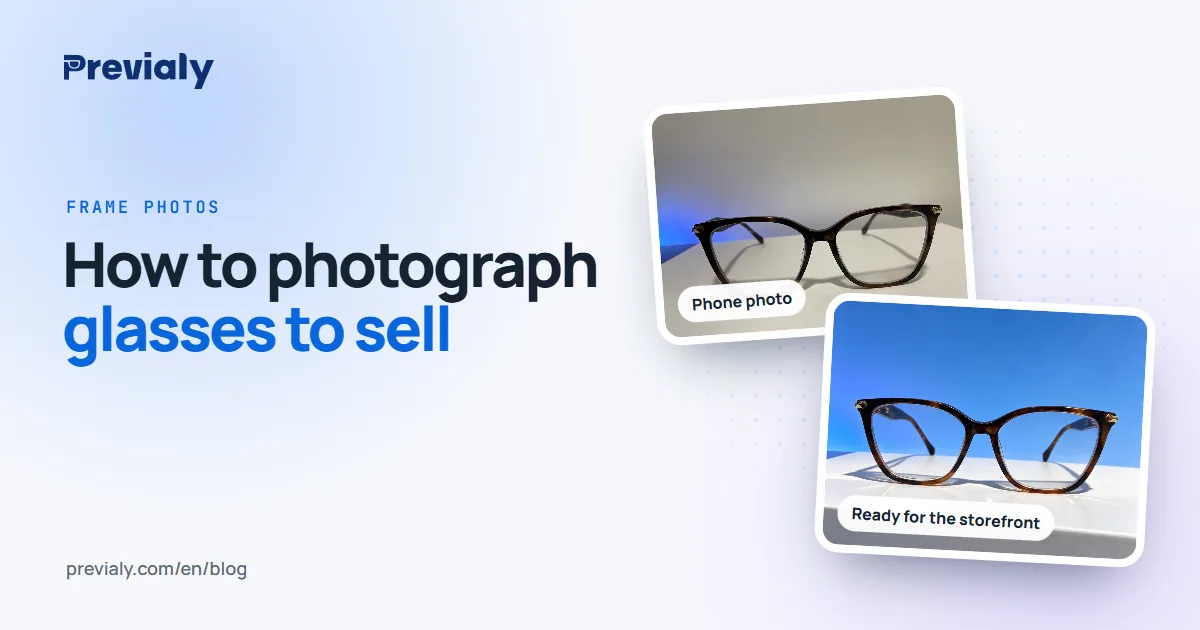
The AI Studio turns a counter photo into a catalog photo: clean background, studio lighting, other angles and even the frame on a model's face.
4. Organize by category
Group frames by type (prescription, sunglasses, kids), by material or by collection. Customers find what they want faster.
5. Turn on the try-on
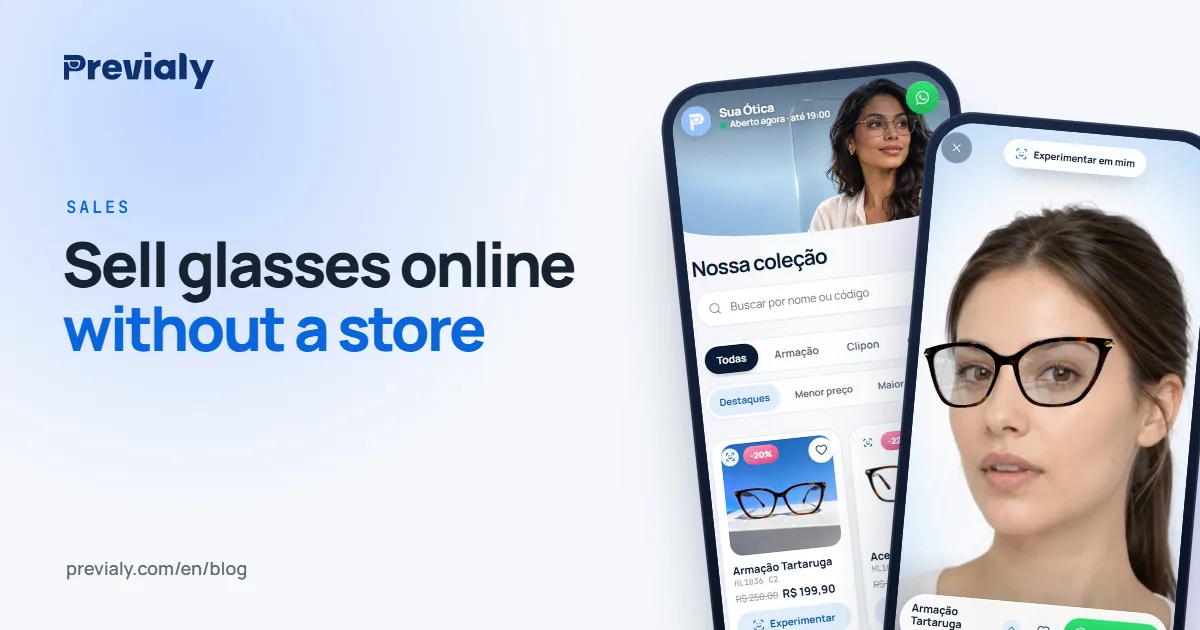
This is the difference between an ordinary online catalog and Previaly's: every frame comes with a virtual try-on for glasses. Customers open their phone camera and see the frame on their own face, in real time, with no app to download.
How to share your catalog
- WhatsApp: send the storefront link in your first reply, instead of ten photos.
- Instagram: link in bio and in stories. The dashboard's Marketing Studio creates posts and videos with your frames and your branding.
- Counter and shop window: the dashboard prints QR codes per frame and posters for the door. Customers point their camera and try on.
- Website: if you already have an online shop, the try-on can go there too, with a snippet of code.
What to track afterwards
The dashboard's home screen shows your most-tried frames and the people who messaged you on WhatsApp. That data helps you decide what to display at the counter, what to promote and what to restock.
Get started
Previaly's online catalog with a try-on starts at R$ 97 a month (Brazilian reais), with no minimum term. Open the live demo storefront on your phone or message us on WhatsApp.
For your catalog photos, see how to photograph glasses to sell. To take customers from the catalog to the purchase, read how to sell glasses on WhatsApp.
Frequently asked questions
How do I make an online catalog for an optical store?
Add your frames with photos, names and prices to an online storefront, organize them by category and share the link on WhatsApp, on Instagram and at the counter.
Online catalog or PDF catalog?
A PDF goes stale and doesn't show the frame on the face. An online storefront is updated from the dashboard and the link stays the same.
Do I need a website to have an online catalog?
No. On Previaly, your storefront lives at previaly.com/your-store, with your branding.
The Previaly team
We build the virtual try-on, the online storefront and the AI Studio that optical stores use to sell from the customer's phone. These guides come from what we see every day in the product and in our work with stores.